


UltimateLocker – Lock Everything, Auto Lock & Auto Closing


8,99 €
Sold by: scalboxUltimateLocker – Lock Everything, Auto Lock & Auto Closing, allows you to place Code Locks/Key Lock on Vehicles, Furnaces, Weapon Racks, Turrets, Mining Quarry, Pump Jack, Motorbike, Motorbike With Sidecar, Pedal Bike, Pedal Trike, Deployable Items, Naval Deep Sea, Drawing / Signs, and much more.
Support for: Storage Box Pack DLC (https://rust.facepunch.com/news/shipshape#StorageBoxPackDLC)
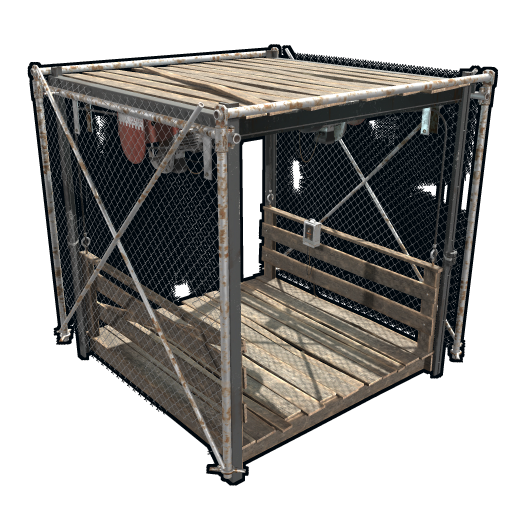
Support for: Industrial Decor Pack DLC (https://rust.facepunch.com/news/built-different#IndustrialDecorPack)
Plus you can decide whether to automatically position the code locks, with many configurations and share locks with your clan/team members.
You can also enable automatic closing by positioning door closers automatically or manually, change the closing delay time and decide on which entities to enable it.
Place Code Lock wherever you want, Auto Lock and Auto Closing with a single plugin, 3 plugin in 1.
You can decide which entities to enable Code Lock on or Door Closer.
Block any entity you want, including electrical, industrial, crafting, research, farming, etc.
It has commands for administrators to lock, unlock and remove Code Locks/Key Lock.
Include support for new CodeLock: Flight Control Codelock and option to automatically use the Flight Control Codelock skin.
- Description
- Additional information
- Reviews (0)
- Change Log
- Discussions (0)
- Product Enquiry
Description
UltimateLocker – Lock Everything, Auto Lock & Auto Closing
UltimateLocker – Lock Everything, Auto Lock & Auto Closing, allows you to place Code Locks/Key Lock on Vehicles, Furnaces, Weapon Racks, Turrets, Mining Quarry, Pump Jack, Motorbike, Motorbike With Sidecar, Pedal Bike, Pedal Trike, Deployable Items, Naval Deep Sea, Drawing / Signs and much more.
Support for: Storage Box Pack DLC (https://rust.facepunch.com/news/shipshape#StorageBoxPackDLC)
Support for: Industrial Decor Pack DLC (https://rust.facepunch.com/news/built-different#IndustrialDecorPack)
Plus you can decide whether to automatically position the code locks, with many configurations and share locks with your clan/team members.
You can also enable automatic closing by positioning door closers automatically or manually, change the closing delay time and decide on which entities to enable it.
Place Code Lock wherever you want, Auto Lock and Auto Closing with a single plugin, 3 plugin in 1.
You can decide which entities to enable Code Lock on or Door Closer.
Block any entity you want, including electrical, industrial, crafting, research, farming, etc.
It has commands for administrators to lock, unlock and remove Code Locks/Key Lock.
Include support for new CodeLock: Flight Control Codelock and option to automatically use the Flight Control Codelock skin.
IMPORTANT: Added the ability to also place Key Locks, in addition to Code Locks.
Place Code Lock/Key Lock wherever you want with a single plugin:
-
- Vehicle Locks
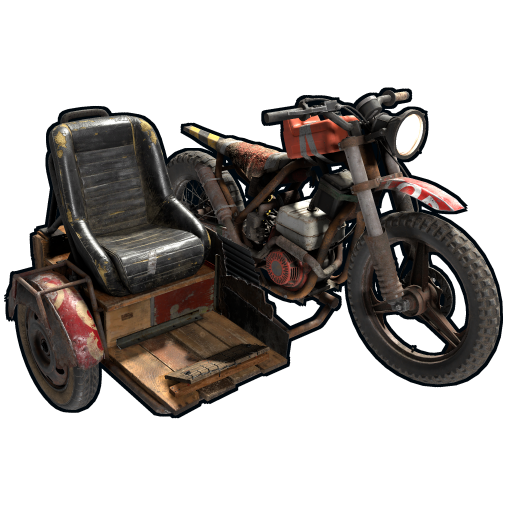
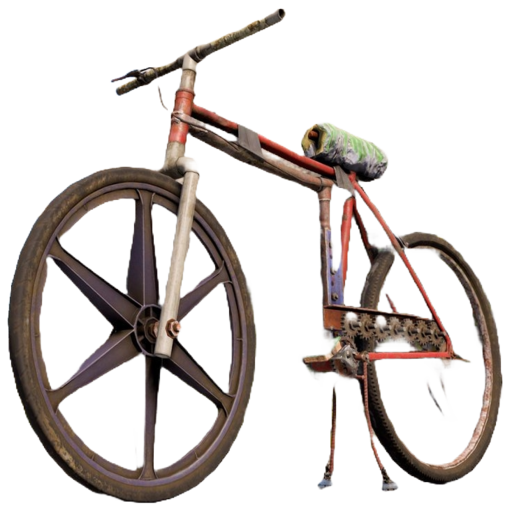
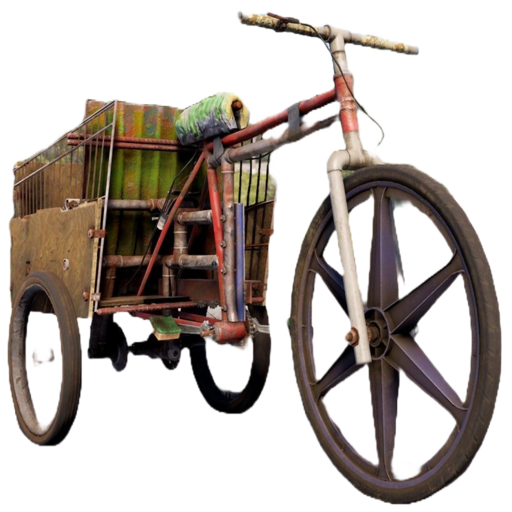
- Motorbike, Motorbike With Sidecar, Pedal Bike, Pedal Trike
- Naval Deep Sea
- Storage Box Pack DLC (https://rust.facepunch.com/news/shipshape#StorageBoxPackDLC)
- Industrial Decor Pack DLC (https://rust.facepunch.com/news/built-different#IndustrialDecorPack)
- Drawing / Signs
- Rust item lock
- Windows Lock
- Automatic lock closing when dismount of the vehicle
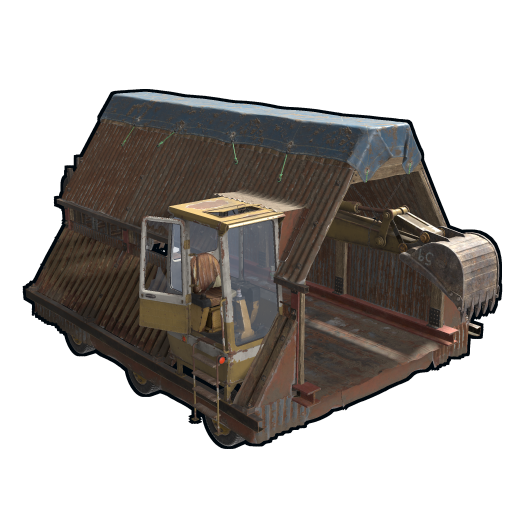
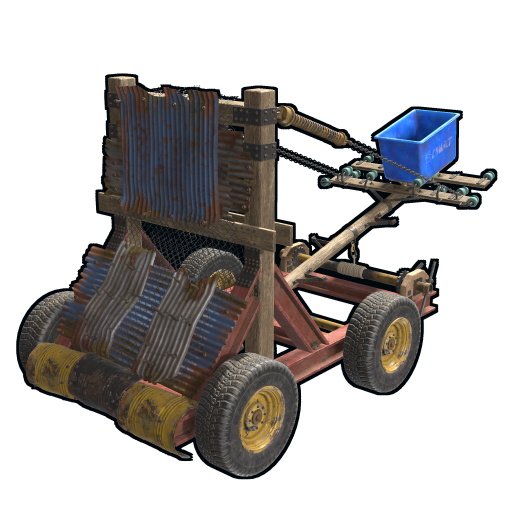
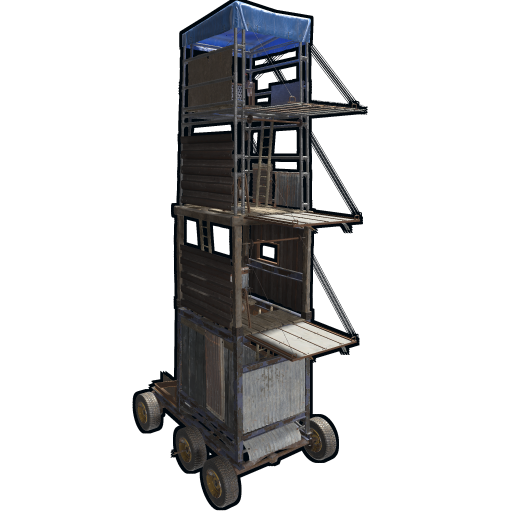
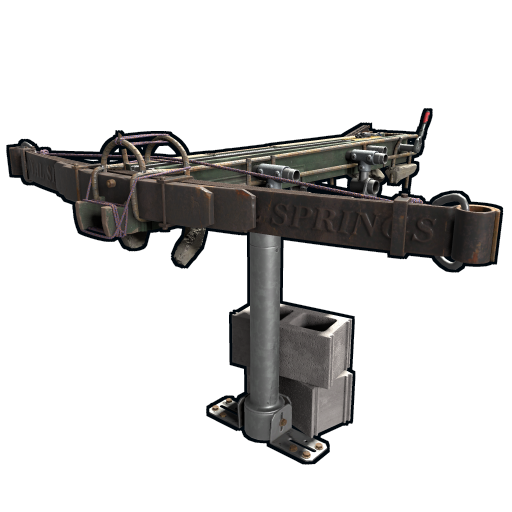
- Code Lock support for Medieval entities: Mounted Ballista, Battering Ram, Catapult, Siege Tower, Ballista
- Medieval entities block usage: opening/closing doors, reloading/firing ammo, mounting, driving, pushing, pulling, etc…
- Furnaces, Refineries, and more
- Weapon Rack Lock
- Block any entity you want, including electrical, industrial, crafting, research, farming, etc.
- Farming Lock
- Electricity Lock / Electrical Lock
- Industrial Lock
- Construction Lock
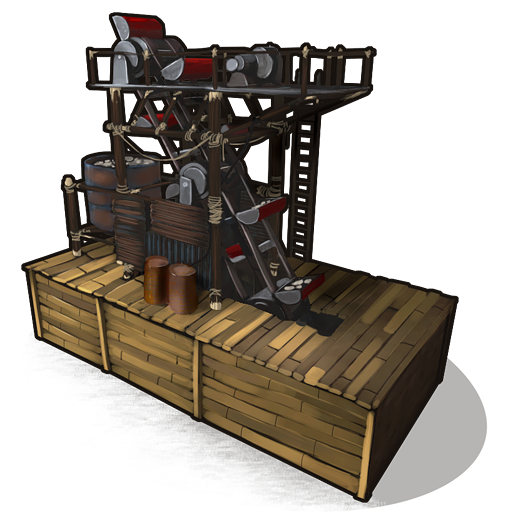
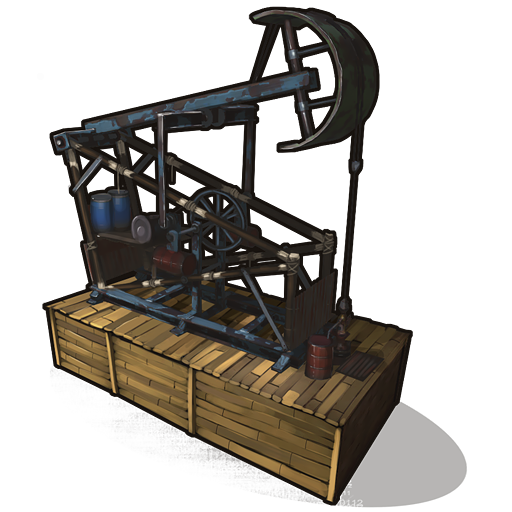
- Mining Quarry, Pump Jack
- Items Loc
- Trap Lock
- Turrets Lock
- Misc Lock
- Fun Lock
- Deployable Lock
- And so on…
VIDEO
Below you can see an example video on how to use the plugin.
AUTO LOCK
AUTO CLOSER
AUTO CLOSER – PROXIMITY SYSTEM
EXAMPLES OF OPERATION/USE:
Some examples of how the plugin works when there is a Code Lock/Key Lock to which you do not have access:
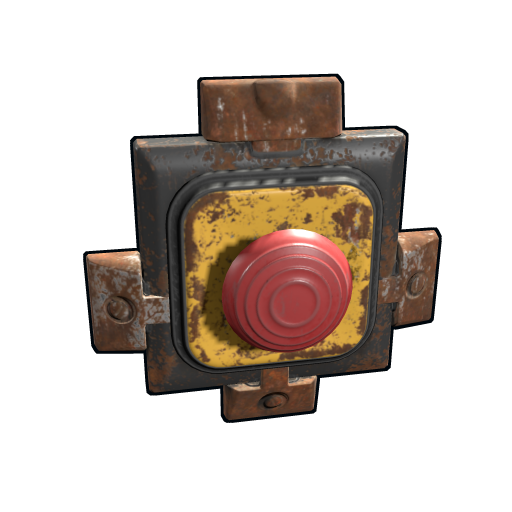
- Usage block/loot furnaces, refineries, electric furnaces, water dispensers, industrial conveyor, industrial crafter, car lift, elevator, small generator, metal shop front, dropbox, mail box, vending machine, etc…
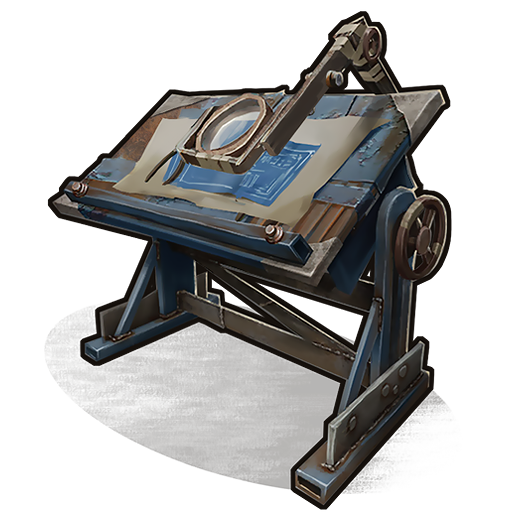
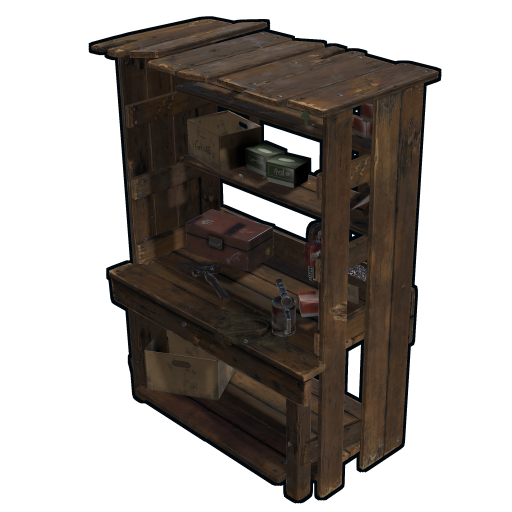
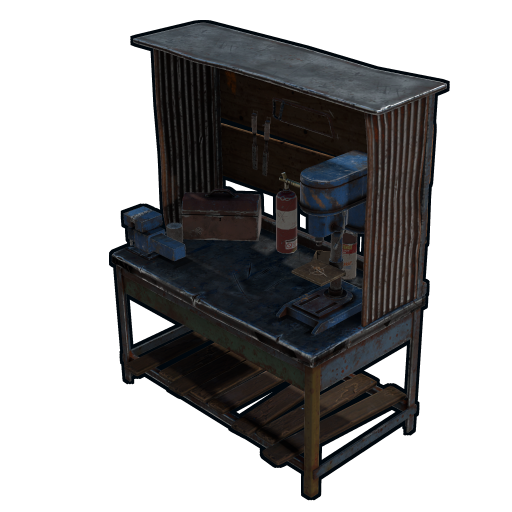
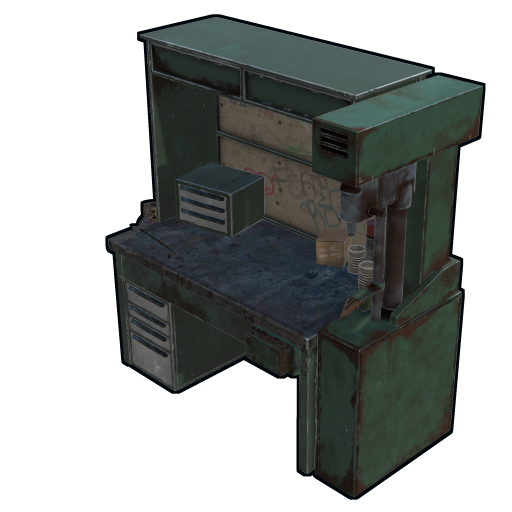
- Usage block: workbench, research table, repair table, computer station, mixing table, etc…
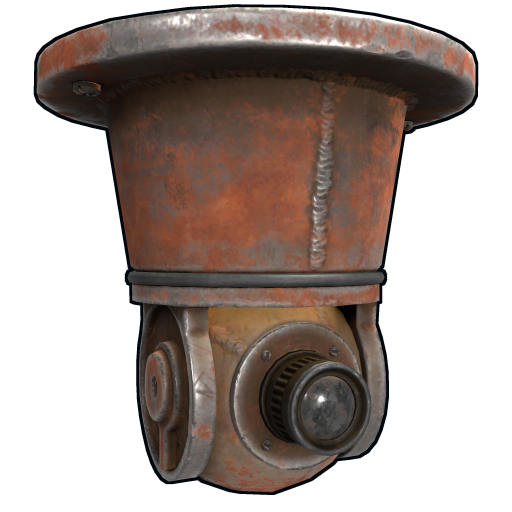
- Device Identifier: If the Auto Turrets, CCTV Camera, PTZ CCTV Camera, etc…, are locked with Code Lock/Key Lock, you cannot access them remotely if you do not have access to Code lock/Key Lock, even if you know the identification number.
- Block use and loot of vehicles, including horses
- Block use and loot of vehicles, including Motorbike, Motorbike With Sidecar, Pedal Bike, Pedal Trike.
- Automatic lock closing when dismount of the vehicle
- Code Lock support for Medieval entities: Mounted Ballista, Battering Ram, Catapult, Siege Tower, Ballista
- Medieval entities block usage: opening/closing doors, reloading/firing ammo, mounting, driving, pushing, pulling, etc…
- Block use and loot of: Mining Quarry, Pump Jack.
- Auto Turret authorization lock, rotation, attack mode, remote control, lock to change identification ID.
- Locking loot and usafe of SAM Site.
- Lock to change camera identification ID and remote control.
- Block personal Quarry Mining usage and loot
- FARM: fertilizer container block, sowing block, harvesting/cutting plants and clone, or harvesting dead plants, composter lock, Beehive lock, Chicken Coop lock, Cooking Workbench lock, Planter Box lock, etc…
- Weapon rack: weapons storage and collection block, weapon reloading, weapon exchange.
- Blocking the insertion and removal of electrical cables and pipes from the various components.
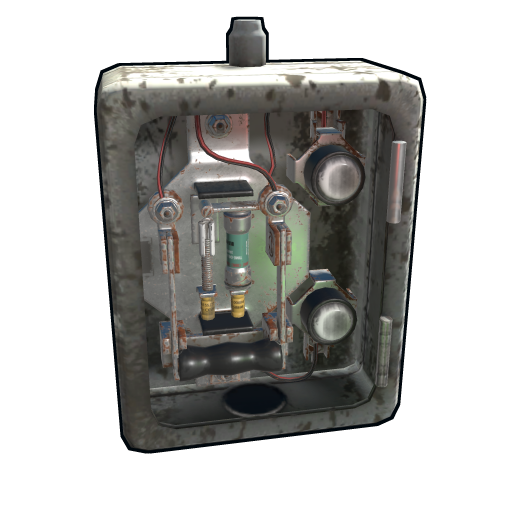
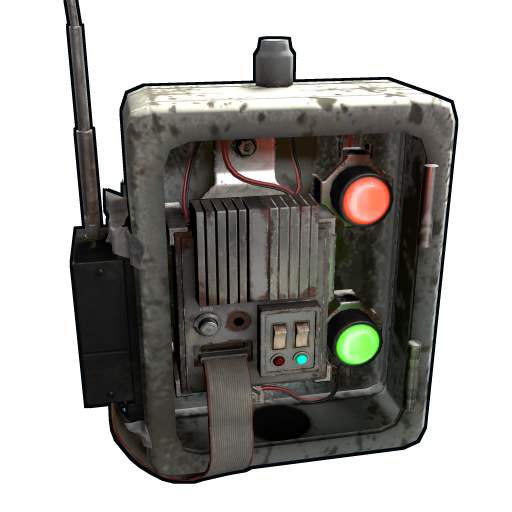
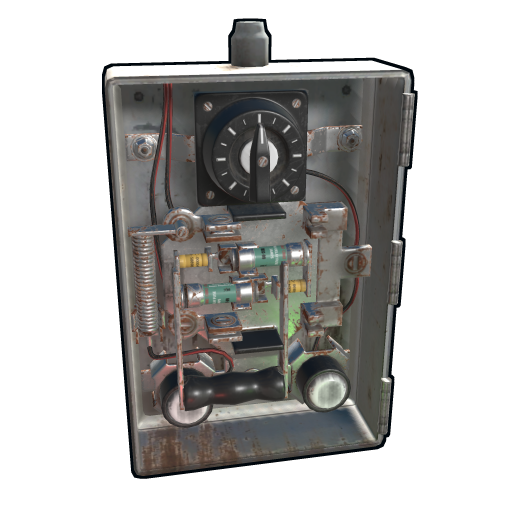
- Blocking the use of electrical components: switching on/off switches, switches, buttons, changing timer duration and much more…
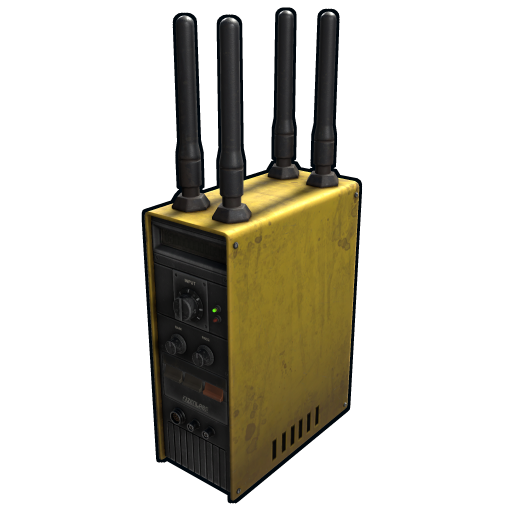
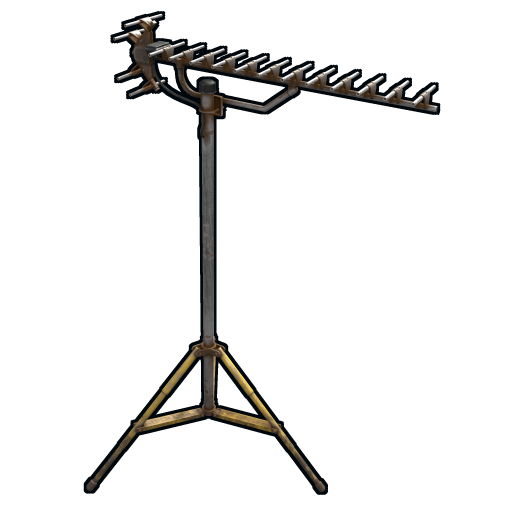
- Blocking use and frequency change of transceiver components, RF Broadcaster, RF Receiver.
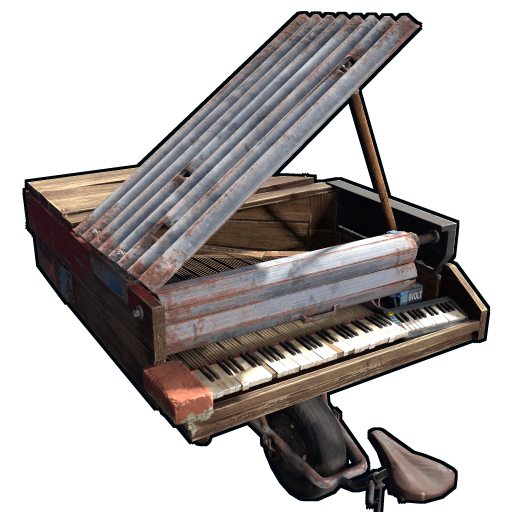
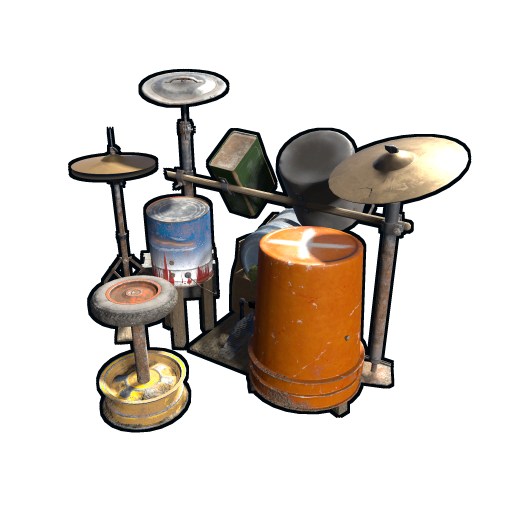
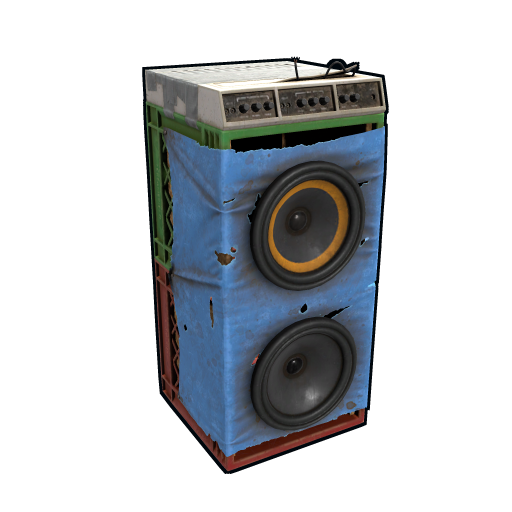
- Blocking the use of some entertainment objects such as the piano, drums, boom box, arcade games, etc…
- Block fun objects such as Strobe Light, Laser Light, Sound Light, Neon Sign, etc…
- And much more, with new items that will be added in future releases or at your suggestion via a request for support or comment.
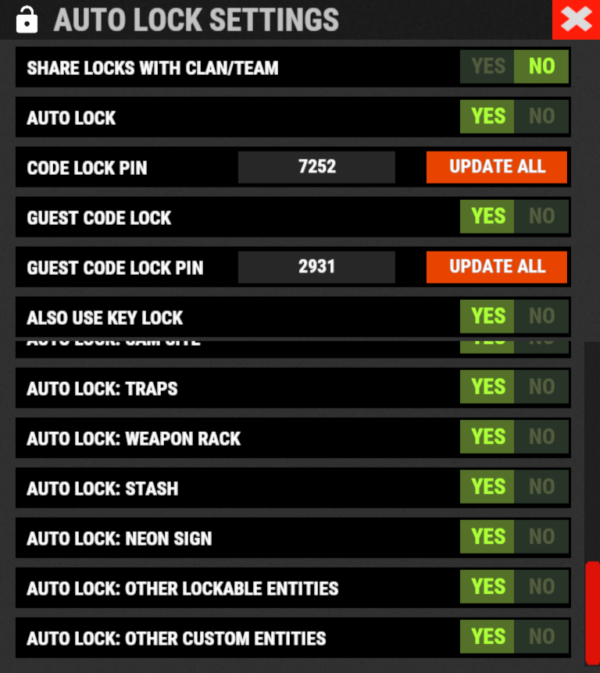
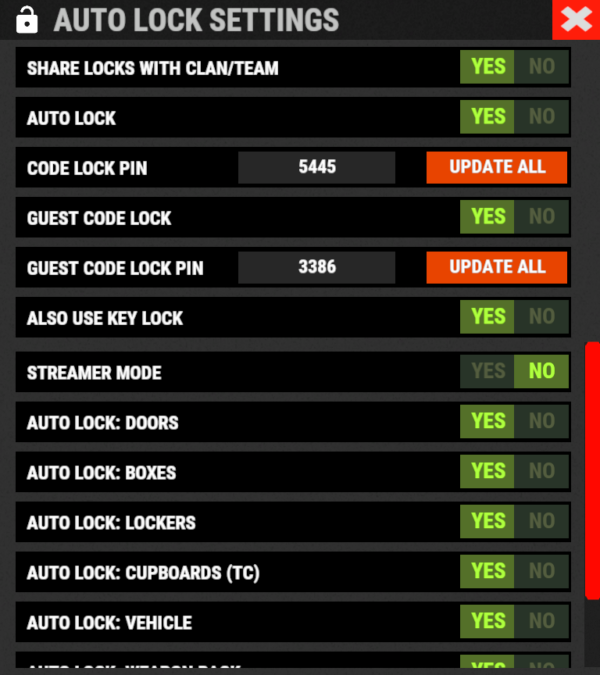
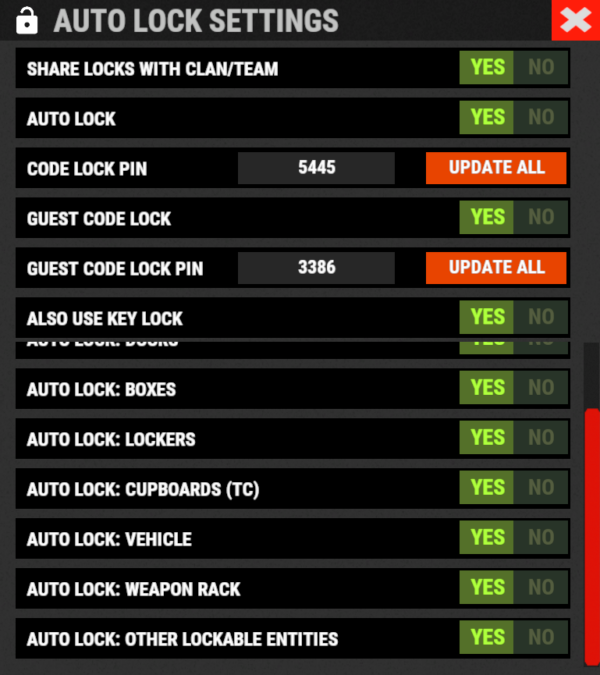
AUTO LOCK:
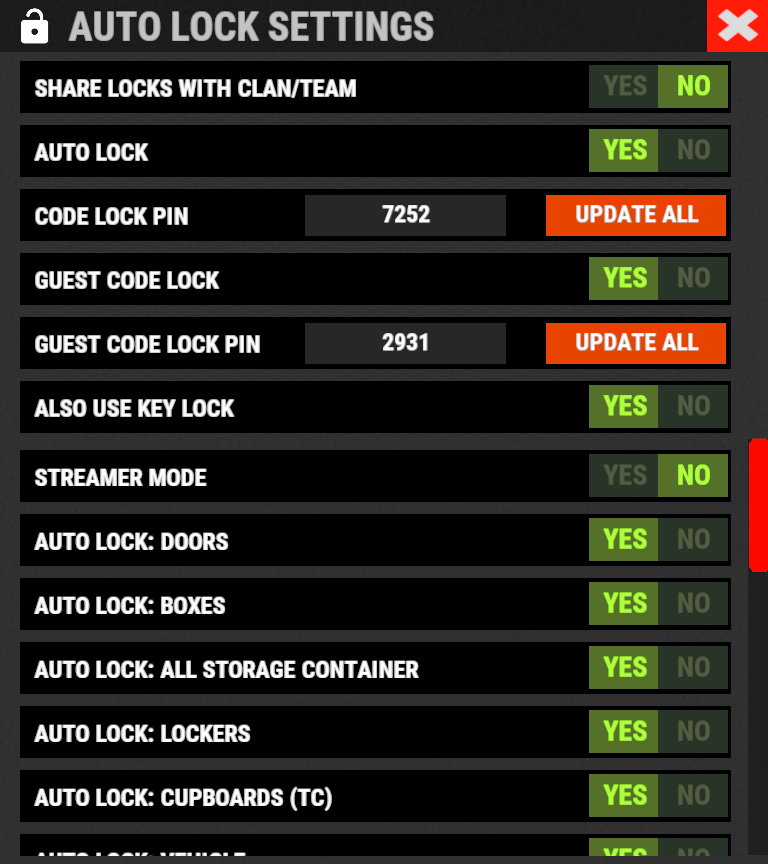
The plugin integrates an automatic positioning system for Code Lock or Key Lock.
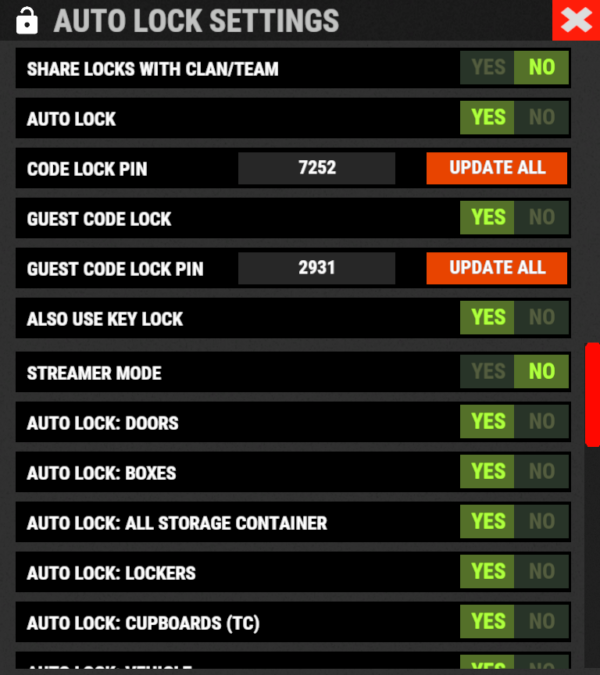
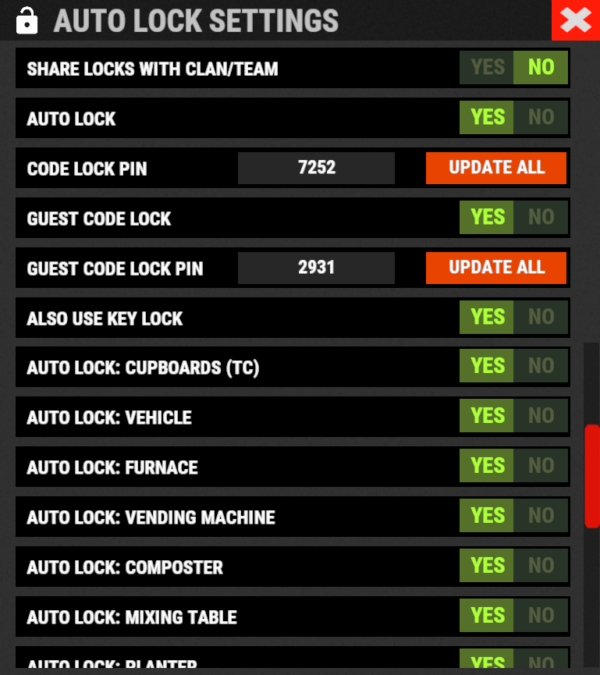
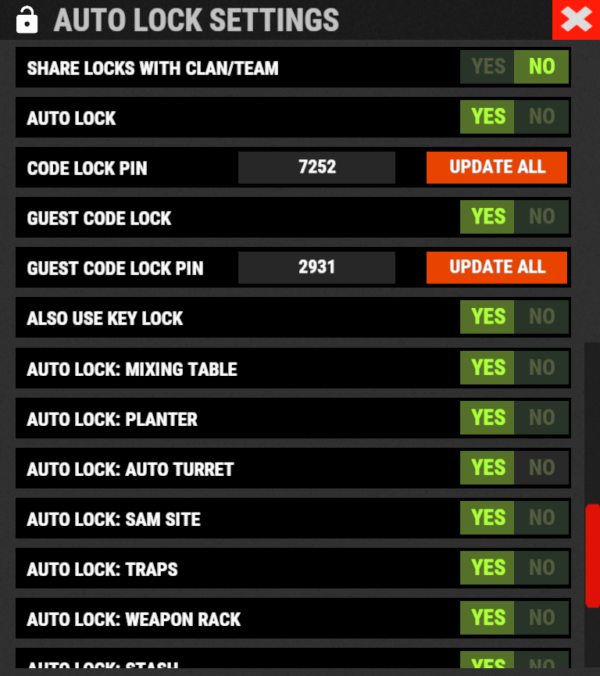
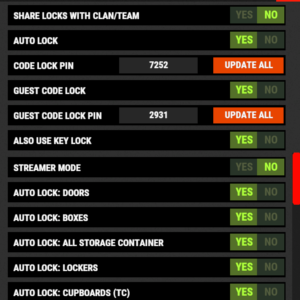
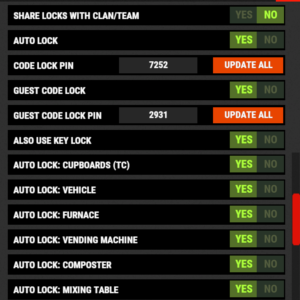
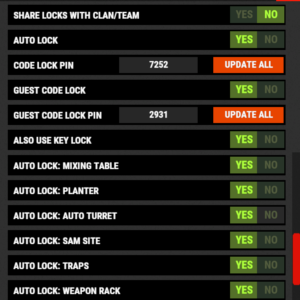
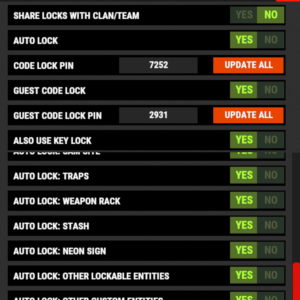
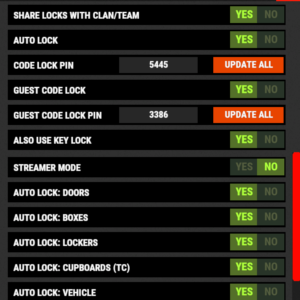
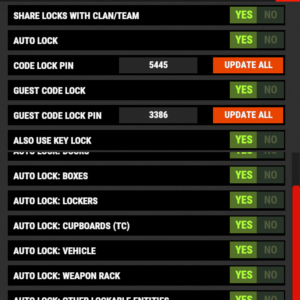
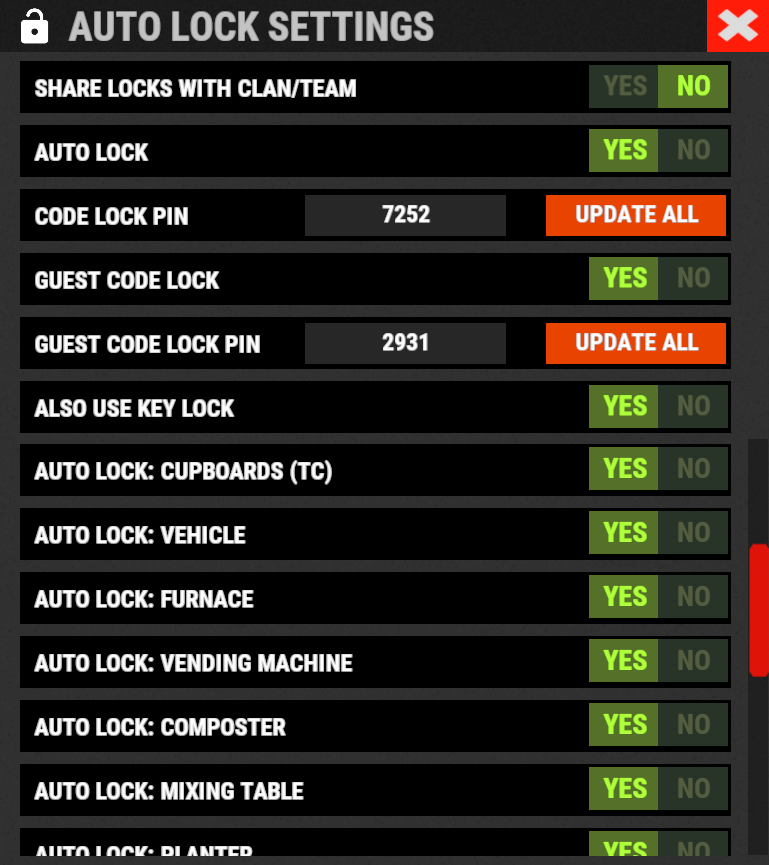
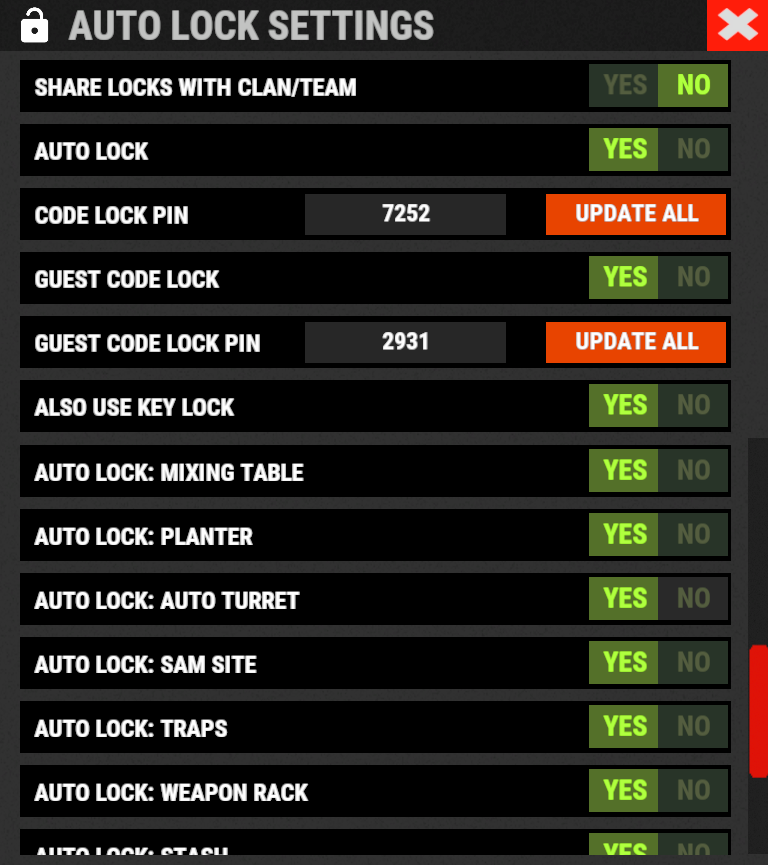
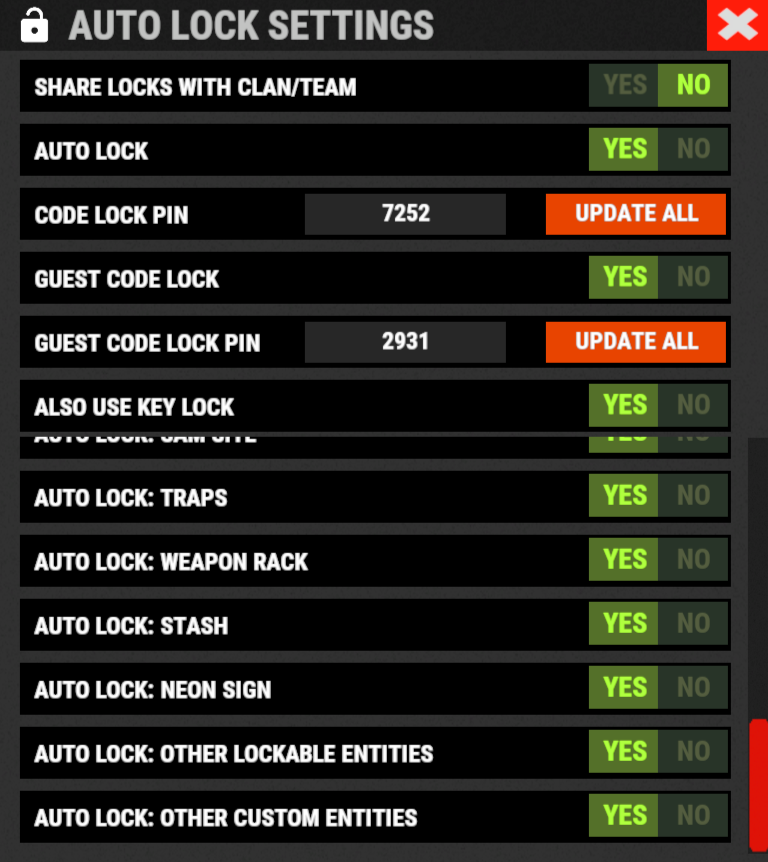
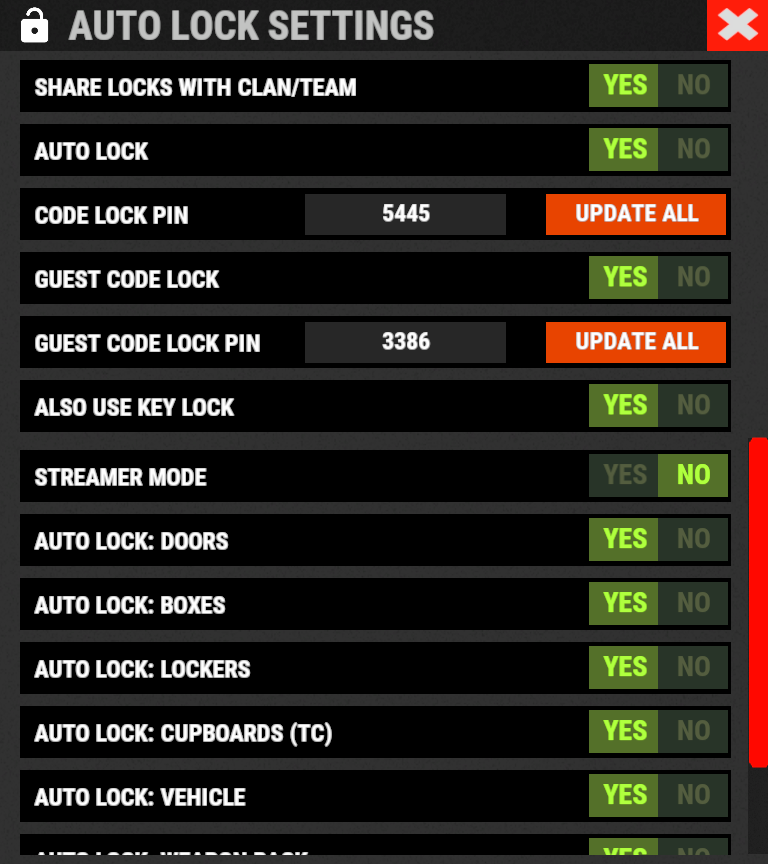
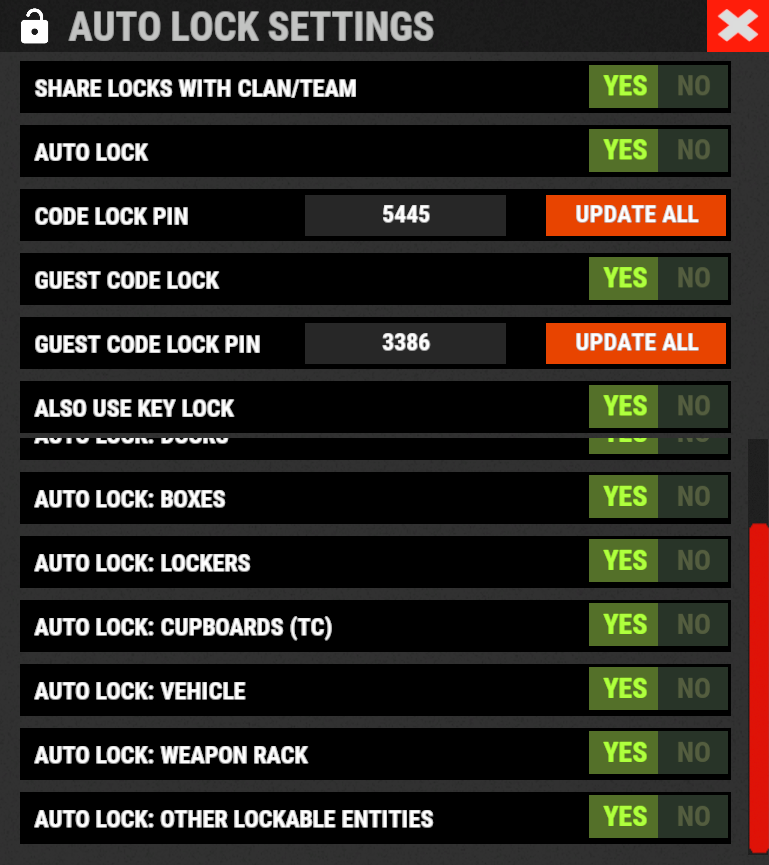
Using the /al, /autolock or /codelock command the player can manage all the settings:
- Sharing locks with clan/team members.
- Create a code lock pin and/or update all your codelock pins with 1 click.
- Create a Guest pin for your Code Lock and/or update all Guest pins of your code locks with 1 click.
- Enable the ability to use Key Locks, if you do not have Code Locks in your inventory.
- Streamer mode: to hide the display of the Code Lock pin on the screen.
- In addition, there will be many other options that can be enabled/disabled. These options will be available based on how the plugin has been configured.
For example: has the ability to place the code lock on the furnaces been enabled? Then there will be the option to enable and/or disable the automatic positioning of the locks on the furnaces. And so on for all the other configurations. - And many other new features and features that will arrive with the next plugin updates.
———-
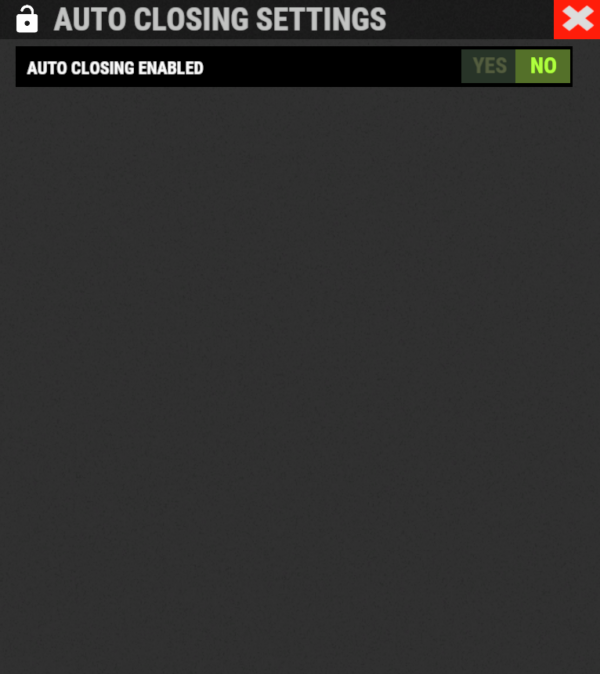
AUTO CLOSING (DOOR CLOSER):
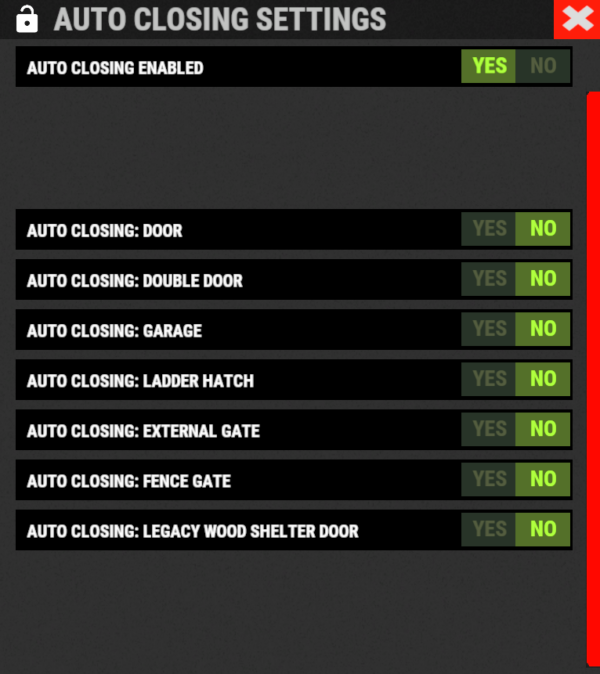
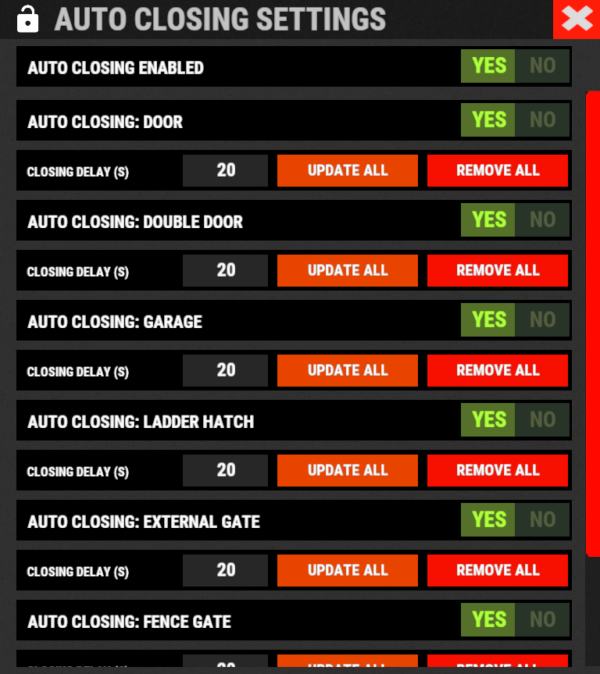
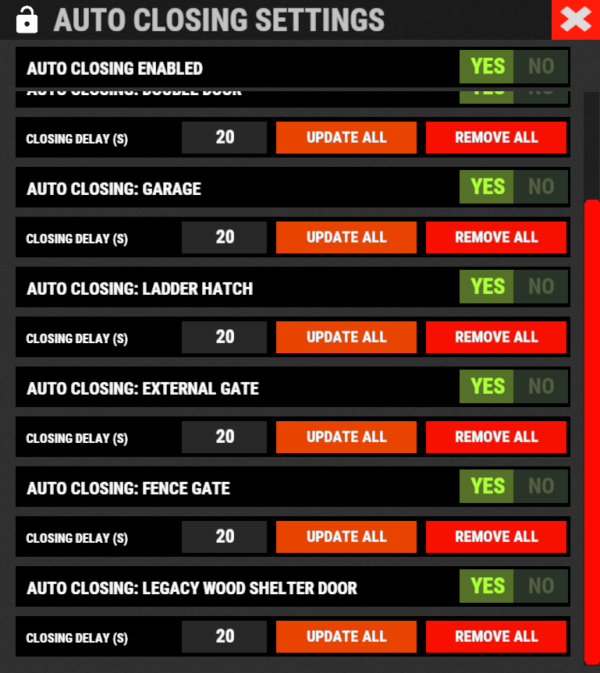
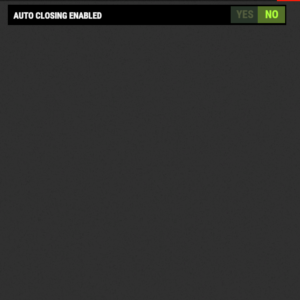
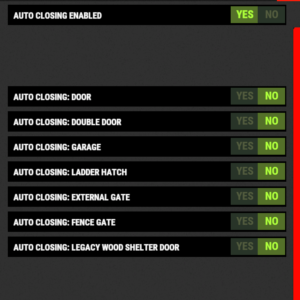
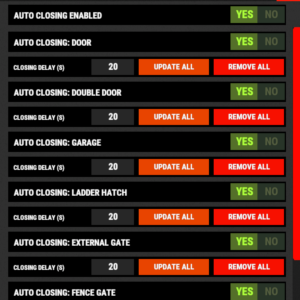
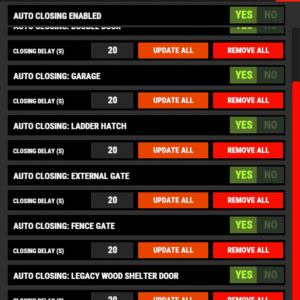
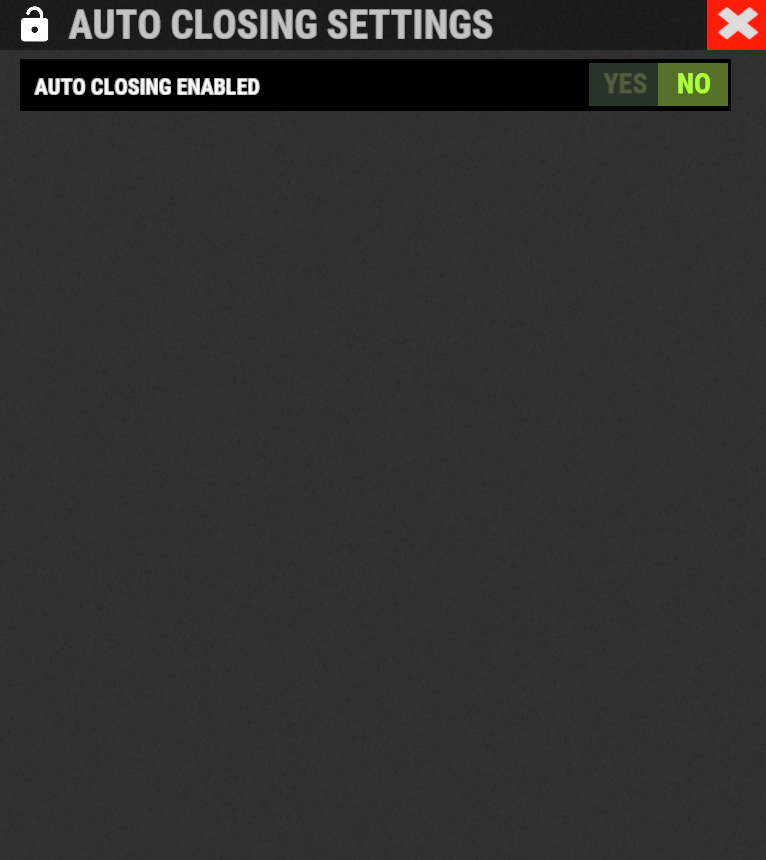
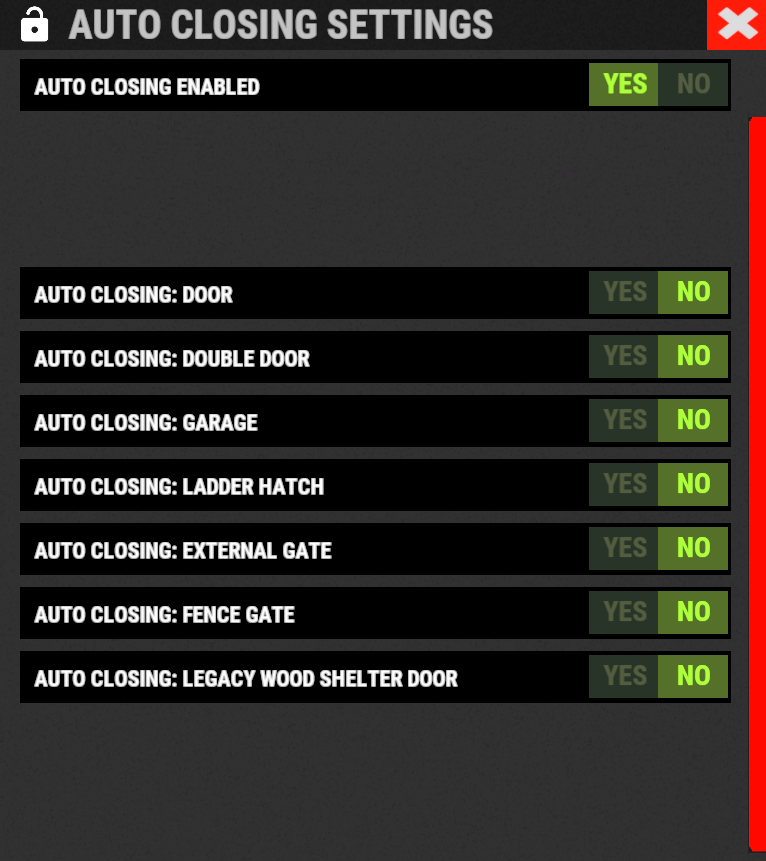
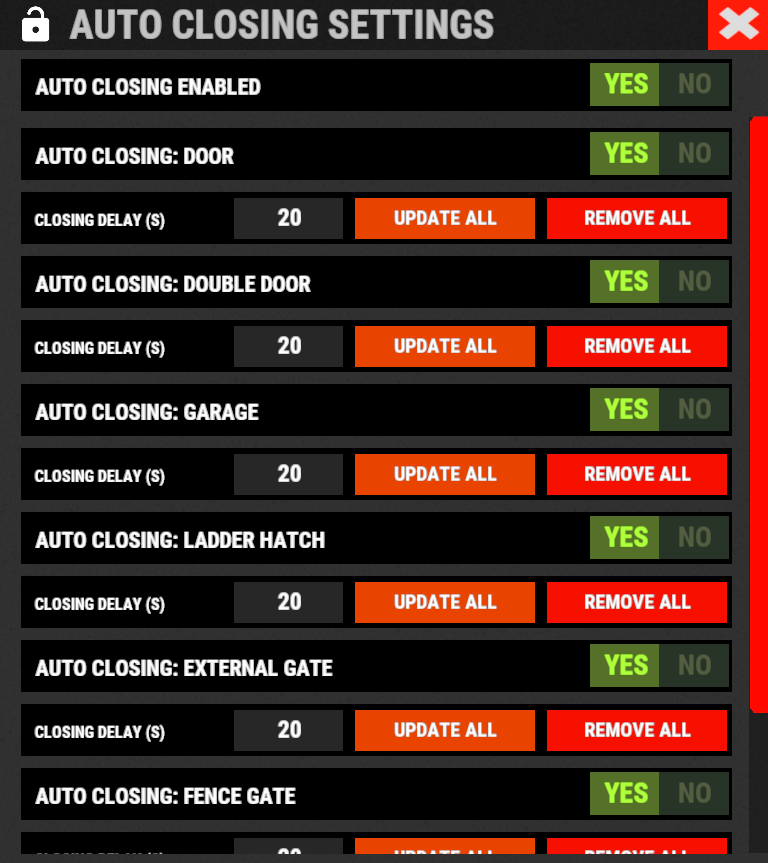
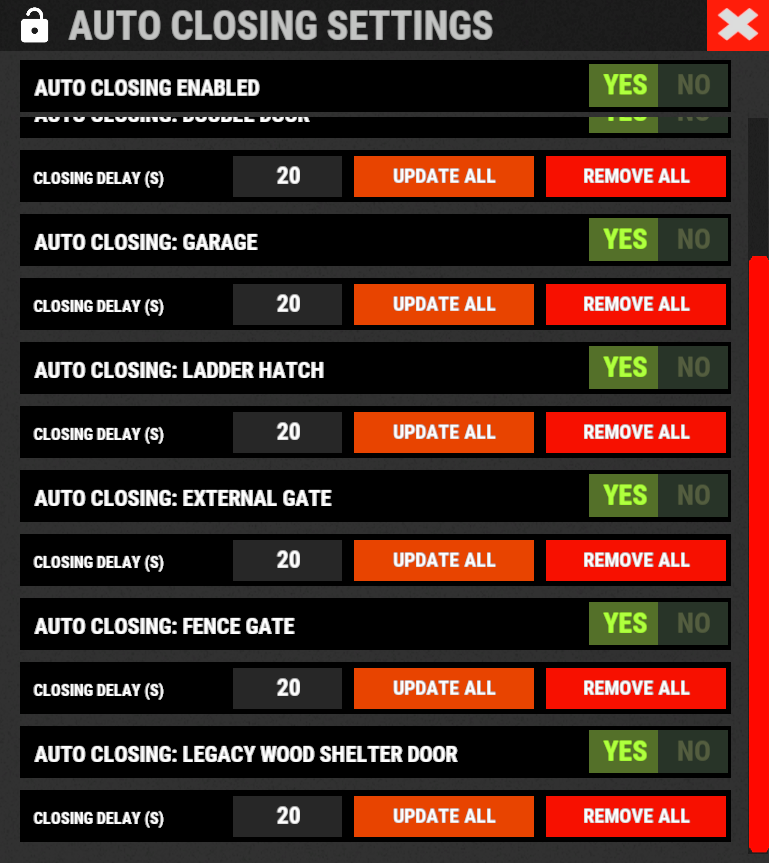
The plugin integrates a system for automatic closing, of various entities. The player can change the settings through a simple and intuitive interface and apply these settings automatically or manually.
Using the /ac, /autoclose or /autocloser command and by pressing the button “Auto Closing Settings” the player can manage all the settings:

PROXIMITY SYSTEM:
The plugin integrates a system for automatic closing, of various entities.
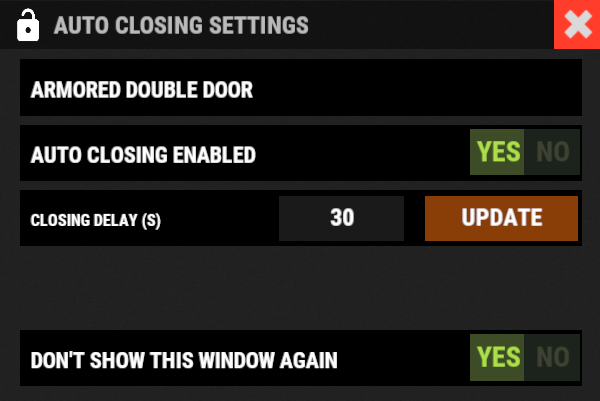
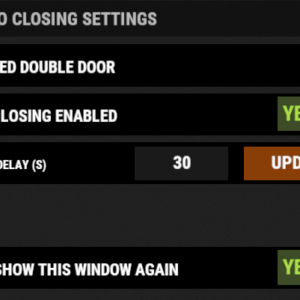
A Proximity System is available for automatic door closing.
This system allows you to quickly and easily change the automatic door closing settings.
There are three modes:
- An icon appears when you approach a door with automatic closing enabled.
- Using a combination of buttons.
- Both modes.
Some example images:
CODE LOCK AUTO SKIN:
The plugin allows you to automatically change the code lock skin, automatically switching the skin to the Flight Control Codelock skin.
To use this feature, the player must own the DLC.
DLC ownership check can be bypassed via configuration or permission (⚠ Only allowed on creative/test servers, otherwise you violate Facepunch’s TOS! ⚠)
CONFIGURATION
"Disable ownership checking on DLC/Skins. (⚠ Only allowed on creative/test servers, otherwise you violate Facepunch's TOS! ⚠) Default false": false
PERMISSION
- ultimatelocker.bypass.dlc_skin_required – Permission to bypass DLC or Skin ownership checks. With this permission, you can use DLC or Skins you don’t own.

PERMISSIONS:
- ultimatelocker.use – Allows you to use the plugin to place Code Locks/Key Locks.
- ultimatelocker.admin – Allows you to execute some commands reserved for administrators.
- ultimatelocker.bypass.lock_deploy_vehicle_check – Allows you to bypass these controls when deploying the lock on vehicles:
- Requires Building Privilege to place Code Locks
-
Requires Building Privilege to place Code Locks in unowned vehicles
-
Allow deployment of Code Lock in unowned vehicles
- ultimatelocker.bypass.force – Allows you to bypass Code Locks/Key Locks. (FOR ADMIN USE!!!)
- ultimatelocker.bypass.dlc_skin_required – Permission to bypass DLC or Skin ownership checks. With this permission, you can use DLC or Skins you don’t own.
- ultimatelocker.autolock.enabled – This role is required to be able to use the automatic positioning system of Code Lock or Key Lock.
- ultimatelocker.autolock.nolockrequired – With this role you do not need to have the Code Lock in your inventory, the Code Lock will be placed even if you do not have one.
- ultimatelocker.autoclosing.enabled – This role is required to be able to use the automatic closing system, Door Closer.
COMMANDS FOR PLAYERS
Commands can be typed in chat (by putting the / character in front of the command), or from console.
/autolockor/codelock— Open Auto Lock/Auto Closing settings UI./locker— Command to add lock manually./closer— Command to add door closer manually./uncloser— Command to remove door closer manually.
/ual— Toggle Auto Lock. Command to enable/disable auto lock./uad— Toggle Auto Closer. Command to enable/disable automatic closing.
/ul code <code>— Change the Code Lock code of the entity you are looking at, if you own the entity or if it belongs to a clan/team member./ul codeall <code>— Change the Code Lock code on all entities owned by the player./ul ctime <time>— Set the closing delay time (seconds) for the Door you are looking at.
———-
COMMANDS FOR ADMIN
Commands can be typed in chat (by putting the / character in front of the command), or from console.
To use these commands you must have the role: ultimatelocker.admin
/ul unlock— Unlock the Code Lock/Key Lock of the entity you are watching./ul unlockall <steamID>— Unlock all player Code Locks/Key Locks./ul lock— Lock the Code Lock/Key Lock of the entity you are watching./ul lockall <steamID>— Lock all player Code Locks/Key Locks./ul remove— Removes the Code Locks/Key Lock of the entity you are watching./ul removeall <steamID>— Removes all player Code Locks/Key Locks./ul code <code>— Change the Code Lock code of the entity you are looking at. Instead of <code> you must insert the new code. Must consist of 4 numbers./ul codeall <code> <steamID>— Change the Code Lock code on all entities owned by the player. You must pass the steamID of the player whose code you want to change instead of the <steamID>. Instead of <code> you must insert the new code. Must consist of 4 numbers./ul show— Shows the Code Lock code of the entity you are looking at.
——————–- NB: To use these commands you must set the configuration AllowAdminToBypassCodeLock to be set to true or have the role ultimatelocker.bypass.force.
- ——————–
Commands can be added or modified in the configuration file: /oxide/config/UltimateLocker.json
CLAN/TEAM
If the player is part of a clan/team, he can block, unlock or remove Code Locks/Key Locks placed by other teammates, if enabled in the configurations.
CONFIGURATION
The settings and options can be configured in the UltimateLocker under the config directory.
The use of an editor and validator is recommended to avoid formatting issues and syntax errors.
{
  "TimeZone": "Europe/London",
  "ChatPrefix": "UltimateLocker",
  "AllowAdminToBypassCodeLock (Allows admin to bypass Code Lock without using commands). Default False.)": false,
  "Disable ownership checking on DLC/Skins. (⚠ Only allowed on creative/test servers, otherwise you violate Facepunch's TOS! ⚠) Default false": false,
  "Chat Command": [
    "ul",
    "ultimatelocker"
  ],
  "Skin Blacklist Configuration": {
    "Lock: Block lock for entity with this skin": [],
    "Door Closer: Block door closer for entity with this skin": []
  },
  "Proximity System": {
    "Show UI when player is near a door with Door Closer. Default false": false,
    "Show UI when pressing key. Default true": true,
    "Button to show UI: 1 (MMB - middle mouse button) - 2 (SHIFT + MMB) - 3 (CTRL + MMB). Default 2": 2
  },
  "Auto Lock Configuration": {
    "Chat Command": [
      "al",
      "autolock",
      "codelock"
    ],
    "Toggle Auto Lock - Chat Command": "ual",
    "Add Lock manually - Chat Command": "locker",
    "Use only Key Lock. [true] to allow only Key Lock. [false] to allow both Key Lock and Code Lock. (Default: FALSE)": false,
    "RESYNC DEFAULT SETTINGS for all players. If set to [true], resets all player settings to the default settings configured. Once the settings are reset, the parameter will automatically be reset to false. (Default: FALSE)": false,
    "FORCE SHARE LOCKS WITH CLAN/TEAM MEMBERS. [true] to force all players to share locks with clan/team members. [false] to force all players to NOT share locks with clan/team members. [null] to use the player's default settings by UI. (Default: null)": null,
    "Auto Lock Category Configuration": {
      "Is automatic lock enabled on Doors enabled.": true,
      "Is automatic lock enabled on Windows enabled.": true,
      "Is automatic lock enabled on Boxes enabled.": true,
      "Is automatic lock enabled on Storage Container enabled.": true,
      "Is automatic lock enabled on Lockers enabled.": true,
      "Is automatic lock enabled on TC (Cupboards) enabled.": true,
      "Is automatic lock enabled on Vehicles enabled.": true,
      "Is automatic lock enabled on Medieval entity enabled.": true,
      "Is automatic lock enabled on Furnace enabled.": true,
      "Is automatic lock enabled on Vending Machine enabled.": true,
      "Is automatic lock enabled on Composter enabled.": true,
      "Is automatic lock enabled on Mixing Table enabled.": true,
      "Is automatic lock enabled on Planter enabled.": true,
      "Is automatic lock enabled on Auto Turret enabled.": true,
      "Is automatic lock enabled on SAM Site enabled.": true,
      "Is automatic lock enabled on Traps enabled.": true,
      "Is automatic lock enabled on Weapon Rack enabled.": true,
      "Is automatic lock enabled on Stash enabled.": true,
      "Is automatic lock enabled on Neon Sign enabled.": true,
      "Is automatic lock enabled on Other Custom Entities enabled.": true,
      "Is automatic lock enabled on Other Lockable Entities enabled.": true
    },
    "Player default settings": {
      "Allow automatic lock placement by default. (Default: TRUE)": true,
      "Allow automatic placement of Key Locks if there are no Code Locks in the inventory. (Default: TRUE)": true,
      "Allow Guest Code by default. (Default: FALSE)": false,
      "Allow automatic Share locks with clan/team members by default. (Default: TRUE)": true,
      "Enable streamer mode by default. (Default: FALSE)": false,
      "Allow automatic lock on Doors by default. (Default: TRUE)": true,
      "Allow automatic lock on Boxes by default. (Default: FALSE)": false,
      "Allow automatic lock on Storage Container by default. (Default: FALSE)": false,
      "Allow automatic lock on Lockers by default. (Default: TRUE)": true,
      "Allow automatic lock on TC (Cupboards) by default. (Default: TRUE)": true,
      "Allow automatic lock on Vehicle by default. (Default: TRUE)": true,
      "Allow automatic lock closing when dismount of the vehicle by default. (Default: TRUE)": true,
      "Allow automatic lock on Medieval entity by default. (Default: FALSE)": false,
      "Allow automatic lock on Furnace by default. (Default: FALSE)": false,
      "Allow automatic lock on Vending Machine by default. (Default: FALSE)": false,
      "Allow automatic lock on Composter by default. (Default: FALSE)": false,
      "Allow automatic lock on Mixing Table by default. (Default: FALSE)": false,
      "Allow automatic lock on Planter by default. (Default: FALSE)": false,
      "Allow automatic lock on Auto Turret by default. (Default: FALSE)": false,
      "Allow automatic lock on SAM Site by default. (Default: FALSE)": false,
      "Allow automatic lock on Traps by default. (Default: FALSE)": false,
      "Allow automatic lock on Weapon Rack by default. (Default: TRUE)": true,
      "Allow automatic lock on Stash by default. (Default: FALSE)": false,
      "Allow automatic lock on Neon Sign by default. (Default: FALSE)": false,
      "Allow automatic lock on Other Lockable Entities by default. (Default: FALSE)": false,
      "Allow automatic lock on Other Custom Entities by default. (Default: FALSE)": false
    },
    "Player Auto Closing default settings": {
      "Allow automatic closing by default. (Default: FALSE)": false,
      "Allow automatic closing of Door by default. (Default: FALSE)": false,
      "Allow automatic closing of Double Door by default. (Default: FALSE)": false,
      "Allow automatic closing of Window by default. (Default: FALSE)": false,
      "Allow automatic closing of Garage by default. (Default: FALSE)": false,
      "Allow automatic closing of Ladder Hatch by default. (Default: FALSE)": false,
      "Allow automatic closing of External Gate by default. (Default: FALSE)": false,
      "Allow automatic closing of Fence Gate by default. (Default: FALSE)": false,
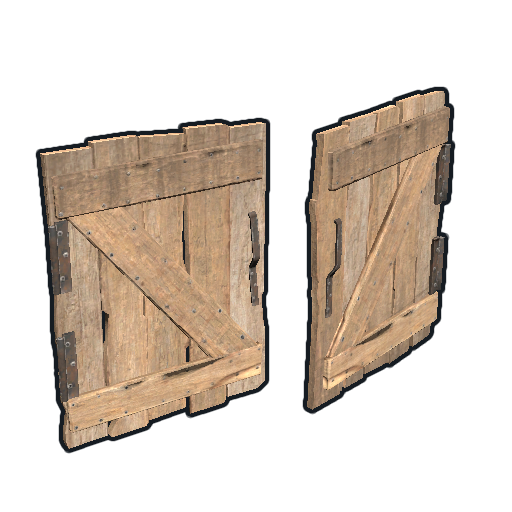
      "Allow automatic closing of Legacy Wood Shelter Door by default. (Default: FALSE)": false
    }
  },
  "Auto Closing Configuration": {
    "Chat Command": [
      "ac",
      "autoclose",
      "autocloser"
    ],
    "Toggle Auto Closer - Chat Command": "uad",
    "Add Door Closer manually - Chat Command": "closer",
    "Remove Door Closer manually - Chat Command": "uncloser",
    "Enable automatic closing of Door. (Default: FALSE)": false,
    "Enable automatic closing of Double Door. (Default: FALSE)": false,
    "Enable automatic closing of Window. (Default: FALSE)": false,
    "Enable automatic closing of Garage. (Default: FALSE)": false,
    "Enable automatic closing of Ladder Hatch. (Default: FALSE)": false,
    "Enable automatic closing of External Gate. (Default: FALSE)": false,
    "Enable automatic closing of Fence Gate. (Default: FALSE)": false,
    "Enable automatic closing of Legacy Wood Shelter Door. (Default: FALSE)": false,

    "Minimum Closing Delay Time. (Default: 10 seconds)": 10,
    "Maximum Closing Delay Time. (Default: 60 seconds)": 60,
    "Default Closing Delay Time. (Default: 30 seconds)": 30
  },
  "Requires Building Privilege to place Code Locks. (Default: TRUE)": true,
  "Requires Building Privilege to place Code Locks in unowned vehicles. (Default: FALSE)": false,
  "Allow deployment of Code Lock in vehicles owned by other players. (Default: FALSE)": false,
  "Allow deployment of Code Lock in unowned vehicles. (Default: TRUE)": true,
  "Allow pushing vehicles blocked by the Code Lock (Default: TRUE)": true,
  "Allow pushing vehicles blocked by the Code Lock if present in your Building Privilege. (Default: TRUE)": true,
  "Auto claim unowned vehicles when deploying locks. (Default: FALSE)": false,
  "Auto replace vehicle ownership when deploying locks. (Default: FALSE)": false,
  "Set player as owner when placing a Mining Quarry or Pump Jack (also static). (Default: TRUE)": true,
  "Enable Lock": {
    "Vehicles": [
      {
        "ItemName": "Minicopter",
        "EnableLock": true,
        "PrefabName": "assets/content/vehicles/minicopter/minicopter.entity.prefab",
        "RequiredPermission": [
          ""
        ]
      },
      {
        "ItemName": "Scrap Transport Helicopter",
        "EnableLock": true,
        "PrefabName": "assets/content/vehicles/scrap heli carrier/scraptransporthelicopter.prefab",
        "RequiredPermission": [
          ""
        ]
      },
      {
        "ItemName": "Attack Helicopter",
        "EnableLock": true,
        "PrefabName": "assets/content/vehicles/attackhelicopter/attackhelicopter.entity.prefab",
        "RequiredPermission": [
          ""
        ]
      },
      {
        "ItemName": "Armored / Hot Air Balloon",
        "EnableLock": true,
        "PrefabName": "assets/prefabs/deployable/hot air balloon/hotairballoon.prefab",
        "RequiredPermission": [
          ""
        ]
      },
      {
        "ItemName": "Row Boat",
        "EnableLock": true,
        "PrefabName": "assets/content/vehicles/boats/rowboat/rowboat.prefab",
        "RequiredPermission": [
          ""
        ]
      },
      {
        "ItemName": "RHIB",
        "EnableLock": true,
        "PrefabName": "assets/content/vehicles/boats/rhib/rhib.prefab",
        "RequiredPermission": [
          ""
        ]
      },
      {
        "ItemName": "Tugboat",
        "EnableLock": true,
        "PrefabName": "assets/content/vehicles/boats/tugboat/tugboat.prefab",
        "RequiredPermission": [
          ""
        ]
      },
      {
        "ItemName": "Submarinesolo",
        "EnableLock": true,
        "PrefabName": "assets/content/vehicles/submarine/submarinesolo.entity.prefab",
        "RequiredPermission": [
          ""
        ]
      },
      {
        "ItemName": "Submarine Duo",
        "EnableLock": true,
        "PrefabName": "assets/content/vehicles/submarine/submarineduo.entity.prefab",
        "RequiredPermission": [
          ""
        ]
      },
      {
        "ItemName": "Horse",
        "EnableLock": true,
        "PrefabName": "assets/rust.ai/nextai/testridablehorse.prefab",
        "RequiredPermission": [
          ""
        ]
      },
      {
        "ItemName": "Tomaha Snowmobile",
        "EnableLock": true,
        "PrefabName": "assets/content/vehicles/snowmobiles/tomahasnowmobile.prefab",
        "RequiredPermission": [
          ""
        ]
      },
      {
        "ItemName": "Snowmobile",
        "EnableLock": true,
        "PrefabName": "assets/content/vehicles/snowmobiles/snowmobile.prefab",
        "RequiredPermission": [
          ""
        ]
      },
      {
        "ItemName": "Sedan",
        "EnableLock": true,
        "PrefabName": "assets/content/vehicles/sedan_a/sedantest.entity.prefab",
        "RequiredPermission": [
          ""
        ]
      },
      {
        "ItemName": "2 Module Car",
        "EnableLock": true,
        "PrefabName": "assets/content/vehicles/modularcar/2module_car_spawned.entity.prefab",
        "RequiredPermission": [
          ""
        ]
      },
      {
        "ItemName": "3 Module Car",
        "EnableLock": true,
        "PrefabName": "assets/content/vehicles/modularcar/3module_car_spawned.entity.prefab",
        "RequiredPermission": [
          ""
        ]
      },
      {
        "ItemName": "4 Module Car",
        "EnableLock": true,
        "PrefabName": "assets/content/vehicles/modularcar/4module_car_spawned.entity.prefab",
        "RequiredPermission": [
          ""
        ]
      }
    ],
    "Deployables": [
      {
        "ItemName": "Large Furnace",
        "EnableLock": true,
        "PrefabName": "assets/prefabs/deployable/furnace.large/furnace.large.prefab",
        "RequiredPermission": [
          ""
        ]
      },
      {
        "ItemName": "Furnace",
        "EnableLock": true,
        "PrefabName": "assets/prefabs/deployable/furnace/furnace.prefab",
        "RequiredPermission": [
          ""
        ]
      },
      {
        "ItemName": "Legacy Furnace",
        "EnableLock": true,
        "PrefabName": "assets/prefabs/deployable/legacyfurnace/legacy_furnace.prefab",
        "RequiredPermission": [
          ""
        ]
      },
      {
        "ItemName": "Refinery",
        "EnableLock": true,
        "PrefabName": "assets/prefabs/deployable/oil refinery/refinery_small_deployed.prefab",
        "RequiredPermission": [
          ""
        ]
      },
      {
        "ItemName": "Electric Furnace",
        "EnableLock": true,
        "PrefabName": "assets/prefabs/deployable/playerioents/electricfurnace/electricfurnace.deployed.prefab",
        "RequiredPermission": [
          ""
        ]
      },
      {
        "ItemName": "Stone Fireplace",
        "EnableLock": true,
        "PrefabName": "assets/prefabs/deployable/fireplace/fireplace.deployed.prefab",
        "RequiredPermission": [
          ""
        ]
      },
      {
        "ItemName": "BBQ",
        "EnableLock": true,
        "PrefabName": "assets/prefabs/deployable/bbq/bbq.deployed.prefab",
        "RequiredPermission": [
          ""
        ]
      },
      {
        "ItemName": "Hobo Barrel",
        "EnableLock": true,
        "PrefabName": "assets/prefabs/misc/twitch/hobobarrel/hobobarrel.deployed.prefab",
        "RequiredPermission": [
          ""
        ]
      },
      {
        "ItemName": "Storage Barrel B",
        "EnableLock": true,
        "PrefabName": "assets/prefabs/misc/decor_dlc/storagebarrel/storage_barrel_b.prefab",
        "RequiredPermission": [
          ""
        ]
      },
      {
        "ItemName": "Storage Barrel C",
        "EnableLock": true,
        "PrefabName": "assets/prefabs/misc/decor_dlc/storagebarrel/storage_barrel_c.prefab",
        "RequiredPermission": [
          ""
        ]
      },
      ............
    ]
  },
  "VersionNumber": {
    "Major": 1,
    "Minor": 6,
    "Patch": 0
  }
}
- TimeZone: — Default: Europe/London
- ChatPrefix: — Chat message prefix.
- Skin Blacklist Configuration: Skins that are not allowed for auto-lock or auto-close can be entered here. If the entity has one of these skins, auto-lock or auto-close will not work.
"Skin Blacklist Configuration": { "Lock: Block lock for entity with this skin": [], "Door Closer: Block door closer for entity with this skin": [] } - AllowAdminToBypassCodeLock (Allows admin to bypass Code Locks/Key Locks without using commands). Default FALSE.
- Disable ownership checking on DLC/Skins. (⚠ Only allowed on creative/test servers, otherwise you violate Facepunch’s TOS! ⚠): Disable DLC/Skin ownership check, to be used only on CREATIVE or TEST servers. Using this option on PVP or PVE servers will result in a warning or ban from the Rust server list by Facepunch. Default false
- Chat Command: Here you can add, edit or delete Commands can be typed in chat (by putting the / character in front of the command), or from console.
- Requires Building Privilege to place Code Locks: Requires Building Privilege to place Code Locks/Key Lock. Default: TRUE
- Requires Building Privilege to place Code Locks in unowned vehicles: Requires Building Privilege to place Code Locks/Key Lock in unowned vehicles. Default: FALSE
- Allow deployment of Code Lock in vehicles owned by other players: Allow deployment of Code Lock in vehicles owned by other players. Default: FALSE
- Allow deployment of Code Lock in unowned vehicles: Allow deployment of Code Lock in unowned vehicles. Default: TRUE
- Auto claim unowned vehicles when deploying locks: Auto claim unowned vehicles when deploying locks. Default FALSE
- Auto replace vehicle ownership when deploying locks: Auto replace vehicle ownership when deploying locks. Default FALSE
- Allow pushing vehicles blocked by the Code Lock: Allow pushing vehicles/horses blocked by the Code Lock. Default: TRUE
- Allow pushing vehicles blocked by the Code Lock if present in your Building Privilege: Allow pushing vehicles/horses blocked by the code lock if present in the player’s building authorization zone. Default: TRUE
- Sets player as owner when placing a Mining Quarry or Pump Jack (also static): Set the player as owner of the Mining Quarry or Pump Jack placed (also those statistics). Default: TRUE
- Enable Lock: Here you can set which entities to enable, on which you can place a Code Lock/Key Lock.
- ItemName: The name of the entity
- EnableLock: Whether or not to enable Code Lock/Key Lock placement for this entity.
- RequiredPermission: Here you can specify the roles required to be able to insert a Code Lock/Key Lock in the entities enabled in the configuration.
You can specify 1 or more roles, and as long as the player has at least one of these roles he can enter the Code Lock/Key Lock.
Here you can specify the roles required to be able to insert a Code Lock/Key Lock in the entities enabled in the configuration.
You can specify 1 or more roles, and as long as the player has at least one of these roles he can enter the Code Lock/Key Lock.
When you enter a role, a server-side role will be created which must then be assigned to the player, here are some examples.- “RequiredPermission”: [ “vip_1”]: In this case the ultimatelocker.vip_1 role will be created, it will be necessary to assign this role to the player to enable the insertion of the Code Lock/Key Lock in the configured entity.
- “RequiredPermission”: [ “user_1”, “vip_2” ]: In this case the ultimatelocker.user_1 and ultimatelocker.vip_2 roles will be created and it will be necessary to assign one of these roles to the player (or even both) to enable the insertion of the Code Lock/Key Lock in the configured entity.
- The role name must respect certain parameters and can only contain these alphanumeric characters:
a-z A-Z 0-9 . _ –
- Any unsupported characters will be removed, the space character will be replaced by the _ character.
AUTO LOCK – CONFIGURATION
- Chat Command: Here you can specify 1 or more commands to open the UI for Auto Lock settings
- Add Lock manually – Chat Command: Command to add lock manually. Default /locker
- Use only Key Lock. [true] to allow only Key Lock. [false] to allow both Key Lock and Code Lock— If [true] allow only Key Lock. [false] to allow both Key Lock and Code Lock. Default FALSE
- If set to true, only new codelocks placed will not be shared, old codelocks will remain shared (if they were shared)
- RESYNC DEFAULT SETTINGS for all players. If set to [true], resets all player settings to the default settings configured. Once the settings are reset, the parameter will automatically be reset to false: Default settings are applied only 1 time, when the player runs the plugin for the first time. With this option you can reset all default settings for all players, useful when you change a default setting and want it to be applied to all players.
The field must be set to true and the plugin restarted, at the end of the restart all players will have the new default settings that have been configured and the parameter is reset to false, for successful reuses. Default false - FORCE SHARE LOCKS WITH CLAN/TEAM MEMBERS. [true] to force all players to share locks with clan/team members. [false] to force all players to NOT share locks with clan/team members. [null] to use the player’s default settings by UI: This setting allows you to choose how to handle automatic sharing of locks with clan/team members. Default null
- true: If set to true, locks will be automatically shared with all clan/team members. The player will not be able to change this setting from the plugin UI.
- false: If set to false, locks will NOT be automatically shared with all clan/team members. The player will not be able to change this setting from the plugin UI.
- null: If set to null, the player will be able to enable or disable automatic lock sharing with clan/team members, via the plugin UI.
- ——————–
- Auto Lock Category Configuration: This configuration allows you to enable or disable auto-lock regardless of the enabled entities. You can enable/disable auto-lock for each category:
- Is automatic lock enabled on Doors enabled: Default true
- Is automatic lock enabled on Windows enabled: Default true
- Is automatic lock enabled on Boxes enabled: Default true
- Is automatic lock enabled on Storage Container enabled: Default true
- Is automatic lock enabled on Lockers enabled: Default true
- Is automatic lock enabled on TC (Cupboards) enabled: Default true
- Is automatic lock enabled on Vehicles enabled: Default true
-
Is automatic lock enabled on Naval Deep Sea: Default true
- Is automatic lock enabled on Medieval entity enabled: Default true
- Is automatic lock enabled on Furnace enabled: Default true
- Is automatic lock enabled on Vending Machine enabled: Default true
- Is automatic lock enabled on Composter enabled: Default true
- Is automatic lock enabled on Mixing Table enabled: Default true
- Is automatic lock enabled on Planter enabled: Default true
- Is automatic lock enabled on Auto Turret enabled: Default true
- Is automatic lock enabled on SAM Site enabled: Default true
- Is automatic lock enabled on Traps enabled: Default true
- Is automatic lock enabled on Weapon Rack enabled: Default true
- Is automatic lock enabled on Stash enabled: Default true
- Is automatic lock enabled on Neon Sign enabled: Default true
-
Is automatic lock enabled on Sign / Drawing: Default true
- Is automatic lock enabled on Other Custom Entities enabled: Default true
- Is automatic lock enabled on Other Lockable Entities enabled: Default true
- ——————–
- Player default settings:
- Allow automatic …. …. by default: The settings that start with “Allow automatic …. …. by default“, are the basic settings once the Auto Lock system is enabled.
EXAMPLE: If you have Auto Lock enabled and have the setting “Allow automatic lock on Doors by default = true“, then it will be set to automatically place the code lock /key lock on doors by default. After that the player can change this setting via the UI. This applies to all basic “allow configuration properties”. - ——————–
- Allow automatic lock closing when dismount of the vehicle by default.: If the vehicle has a lock, the lock will be automatically closed when you dismount the vehicle, so as to avoid leaving vehicles open and potentially stolen. Default TRUE
- Allow automatic …. …. by default: The settings that start with “Allow automatic …. …. by default“, are the basic settings once the Auto Lock system is enabled.
AUTO CLOSING (DOOR CLOSER) – CONFIGURATION
- Add Door Closer manually – Chat Command: Command to add door closer manually. Default /closer
- Remove Door Closer manually – Chat Command: Command to remove door closer manually. Default /uncloser
- Enable automatic closing of Door. (Default: FALSE): Enable automatic closing for Single Doors. Permission is still required: ultimatelocker.autoclosing.enabled
- Enable automatic closing of Double Door. (Default: FALSE): Enable automatic closing for Double Doors. Permission is still required: ultimatelocker.autoclosing.enabled
- Enable automatic closing of Window. (Default: FALSE): Enable automatic closing for Windows. Permission is still required: ultimatelocker.autoclosing.enabled
- Enable automatic closing of Garage. (Default: FALSE): Enable automatic closing for Garage. Permission is still required: ultimatelocker.autoclosing.enabled
- Enable automatic closing of Ladder Hatch. (Default: FALSE): Enable automatic closing for Ladder Hatch. Permission is still required: ultimatelocker.autoclosing.enabled
- Enable automatic closing of External Gate. (Default: FALSE): Enable automatic closing for External Gate. Permission is still required: ultimatelocker.autoclosing.enabled
- Enable automatic closing of Fence Gate. (Default: FALSE): Enable automatic closing for Fence Gate. Permission is still required: ultimatelocker.autoclosing.enabled
- Enable automatic closing of Legacy Wood Shelter Door. (Default: FALSE): Enable automatic closing for Legacy Wood Shelter Door. Permission is still required: ultimatelocker.autoclosing.enabled
- Minimum Closing Delay Time. (Default: 10 seconds): Minimum delay time usable for automatic closing, Door Closer.
- Maximum Closing Delay Time. (Default: 60 seconds): Maximum delay time that can be used for automatic closing, Door Closer.
- Default Closing Delay Time. (Default: 30 seconds): Default delay time for automatic closing, Door Closer.
- ——————–
- Player Auto Closing default settings:
- Allow automatic closing …. …. by default: The settings that start with “Allow automatic closing …. …. by default“, are the basic settings once the Auto Closing system is enabled.
EXAMPLE: If you have set “Allow automatic closing of Door by default. (Default: FALSE)”: true”, automatic closing for doors will be applied automatically.
- Allow automatic closing …. …. by default: The settings that start with “Allow automatic closing …. …. by default“, are the basic settings once the Auto Closing system is enabled.
PROXIMITY SYSTEM – CONFIGURATION
- Show UI when player is near a door with Door Closer: If set to true, an icon appears in the top right corner when you approach a door with auto-closing enabled. This opens a menu to change the door’s auto-closing behavior via the UI. Default false
- Show UI when pressing key: If set to true, allows to open the UI for modifying the automatic door closing via a key combination. Default true
- Button to show UI: 1 (MMB – middle mouse button) – 2 (SHIFT + MMB) – 3 (CTRL + MMB): Key combinations to use to open the UI for modifying the automatic door closing. Default 2
LOCALIZATION
The plugin, therefore the automatic messages and statistics, are translated into the following languages:
- English
- Italian
- Spanish
- French
- German
- Dutch
- Turkish
- Russian
- Ukrainian
- Chinese (Simplified – zh-CN)
- Chinese (Traditional – zh-TW)
Translation files are located in the /oxide/lang folder, here is an example of a /oxide/lang/en/UltimateLocker.json translation file.
You can add translations for other languages by adding them to the folder: /oxide/lang
AVAILABLE ENTITIES
VEHICLES:
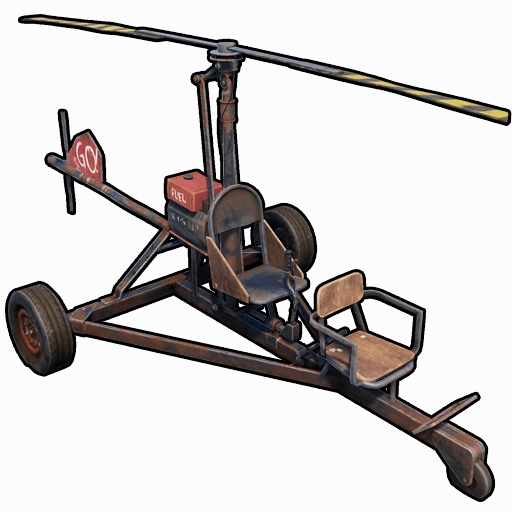
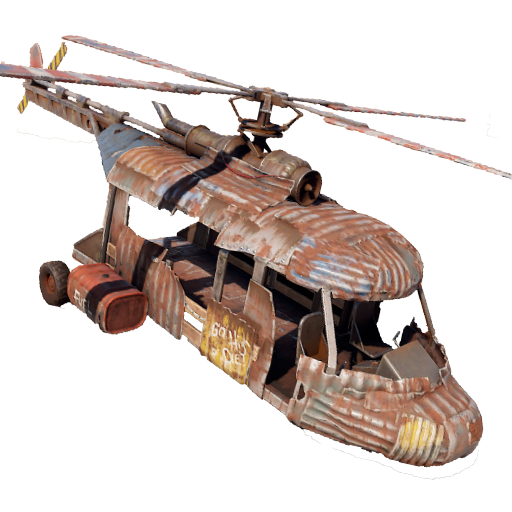
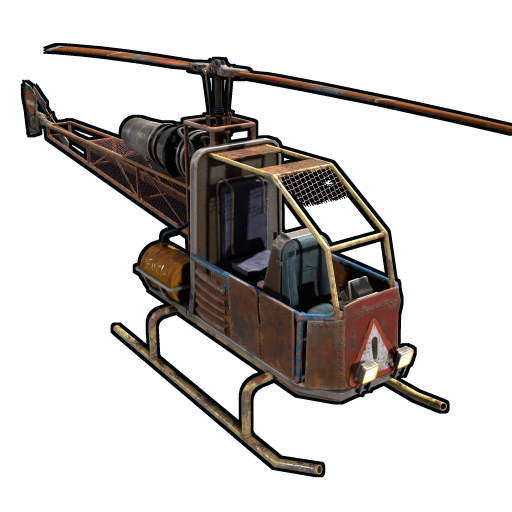
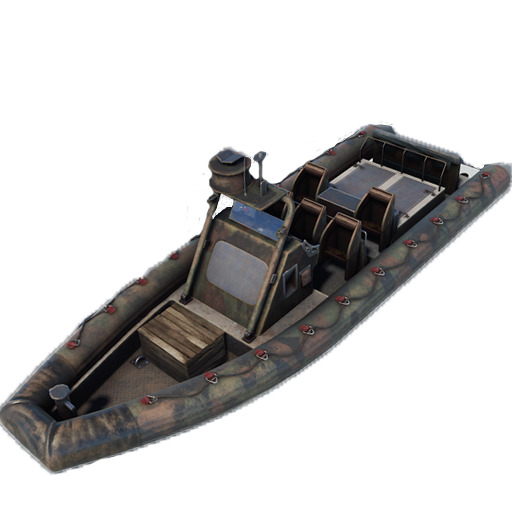
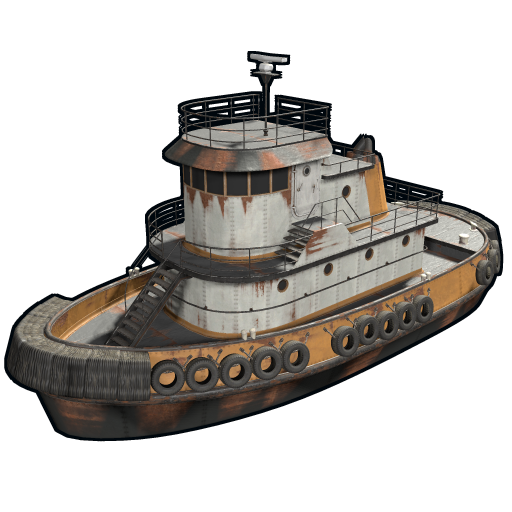
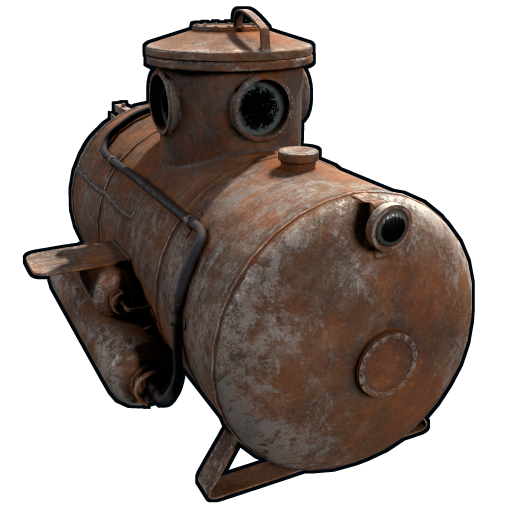
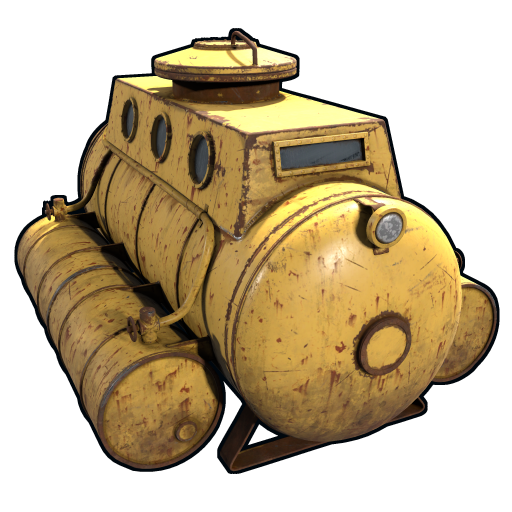
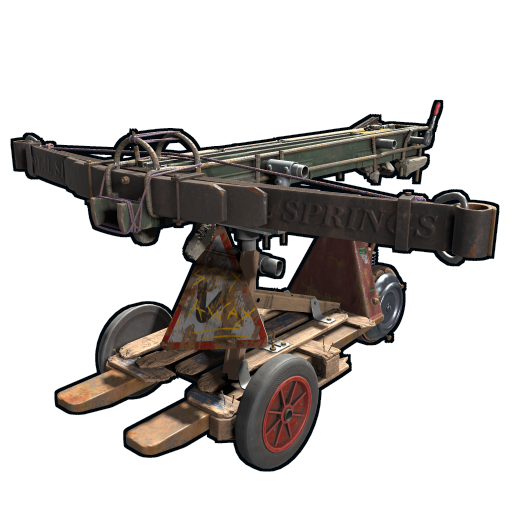
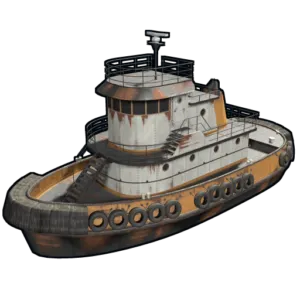
Minicopter, Scrap Transport Helicopter, Attack Helicopter, Armored / Hot Air Balloon, Kayak, Row Boat, RHIB, Tugboat, Submarine Solo, Submarine Duo, Horse, Tomaha Snowmobile, Snowmobile, Sedan, 2 Module Car, 3 Module Car, 4 Module Car, Motorbike, Motorbike With Sidecar, Pedal Bike, Pedal Trike, Mounted Ballista, Battering Ram, Catapult, Siege Tower, Ballista
DEPLOYABLES:
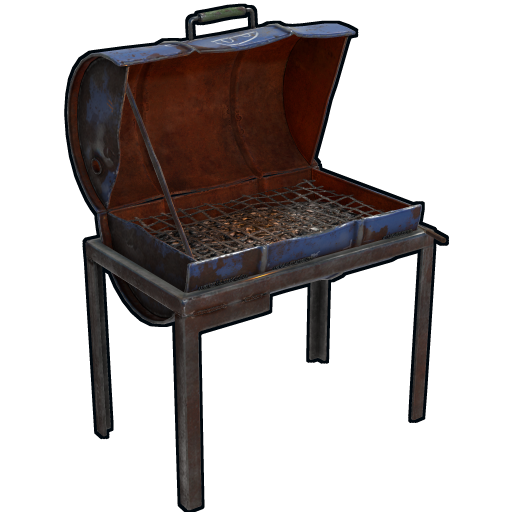
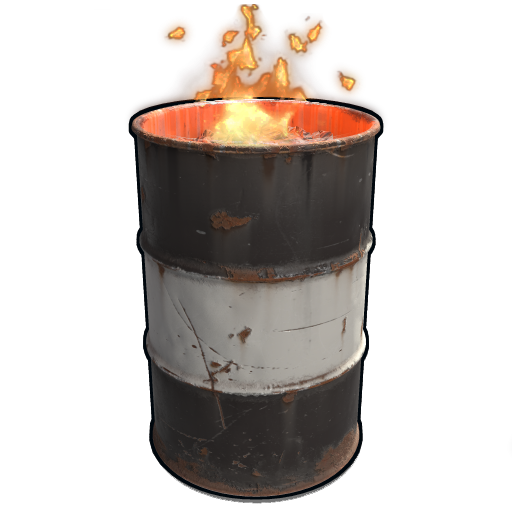
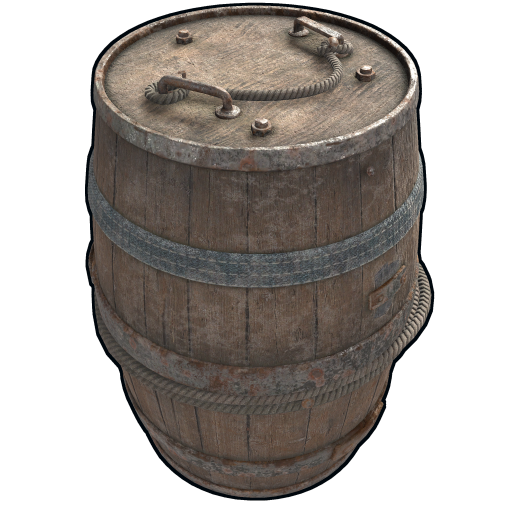
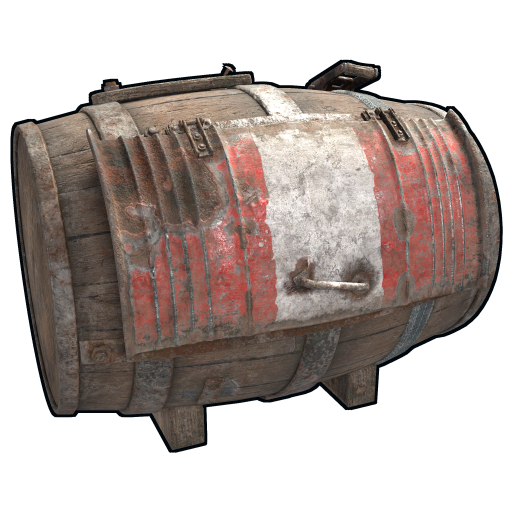
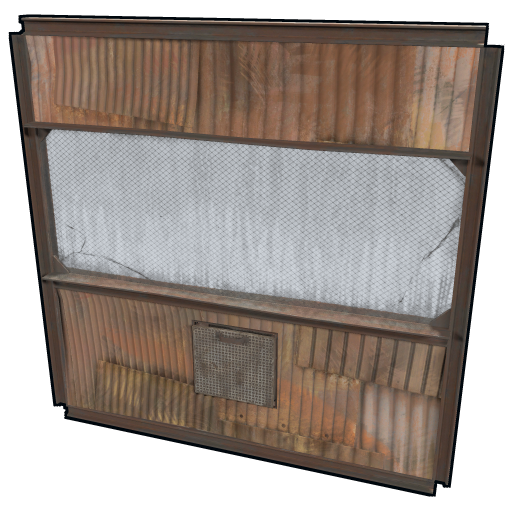
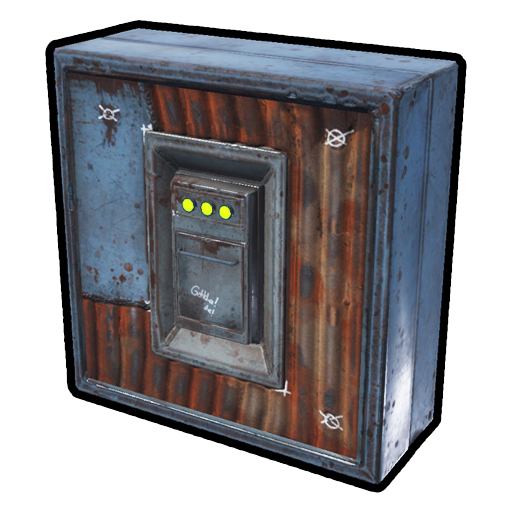
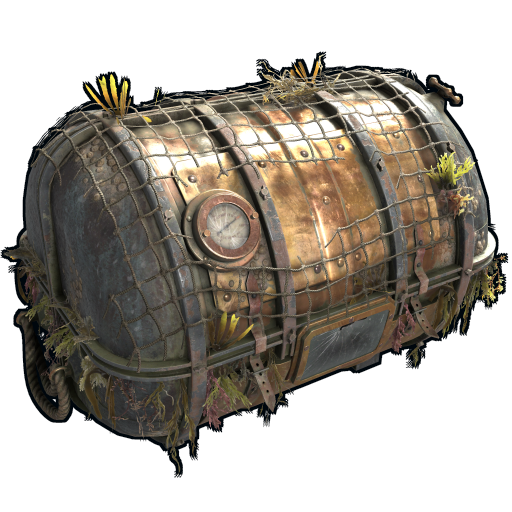
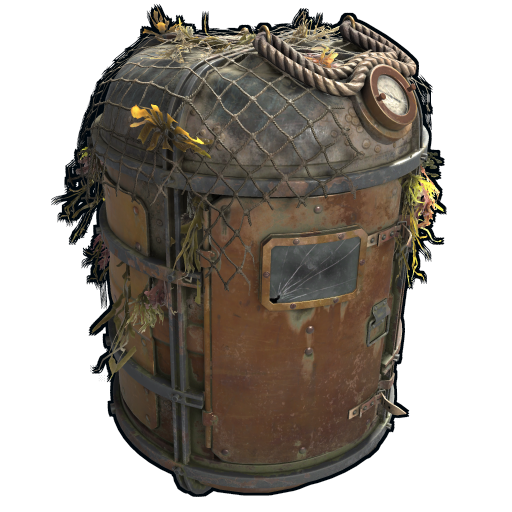
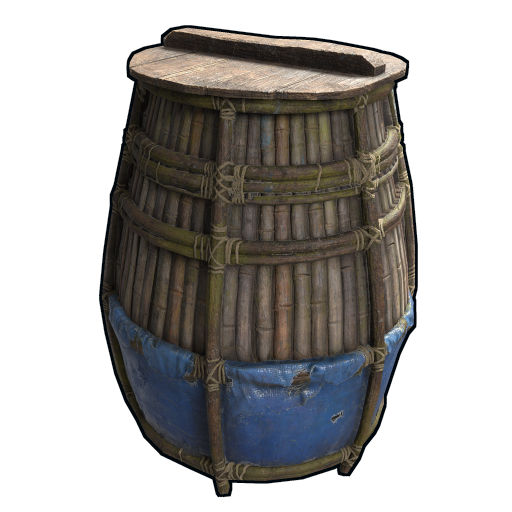
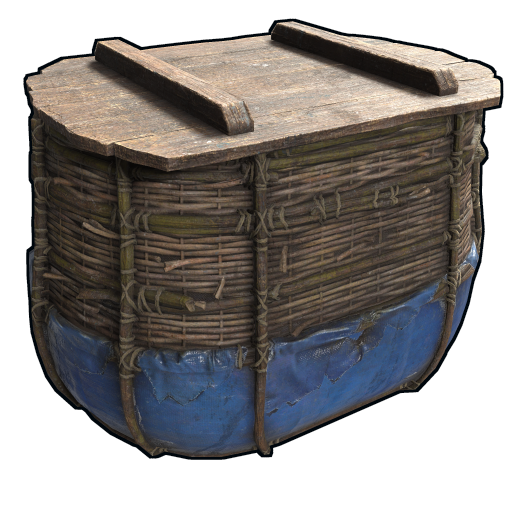
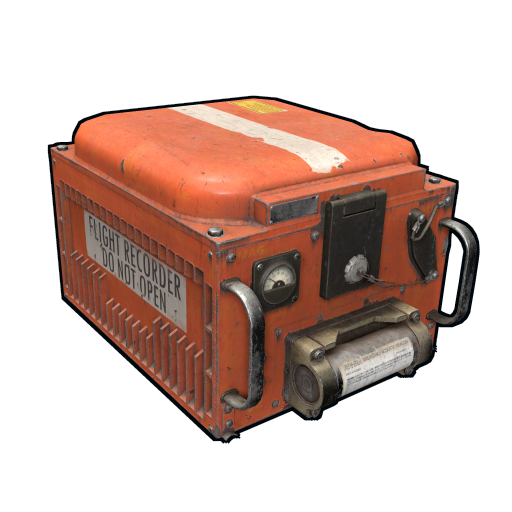
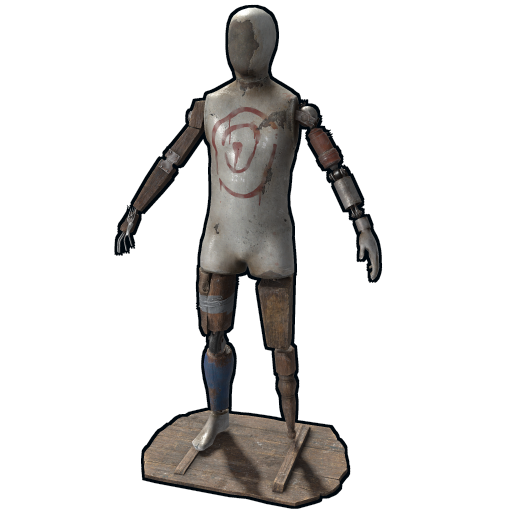
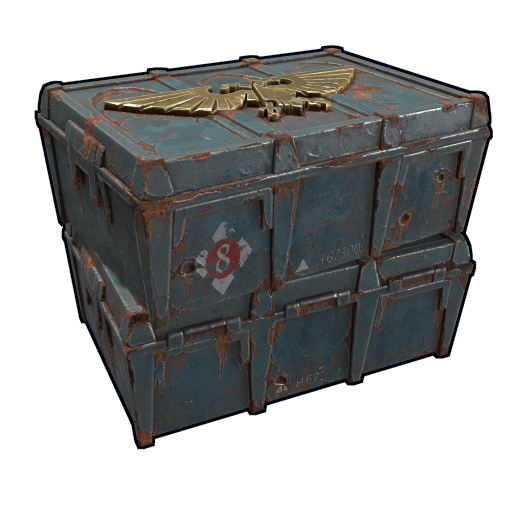
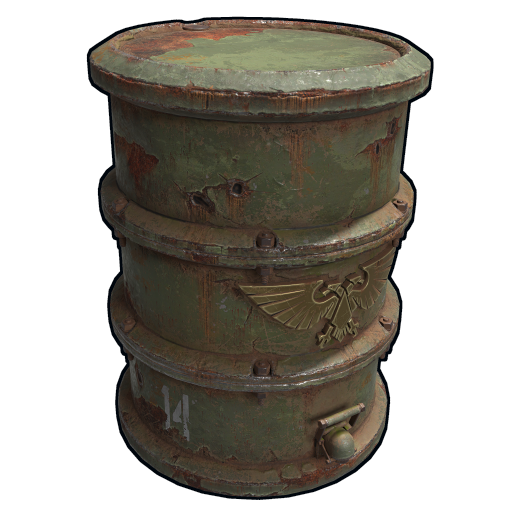
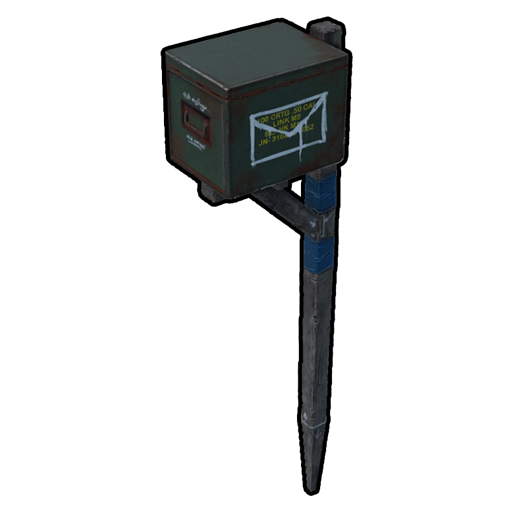
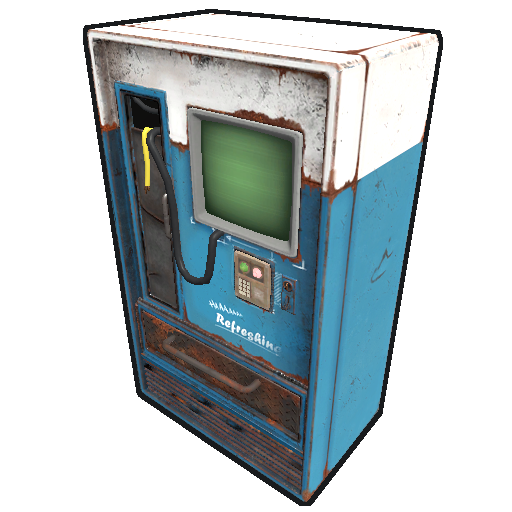
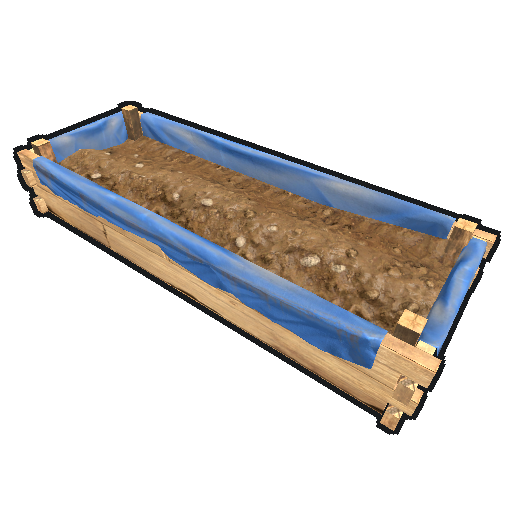
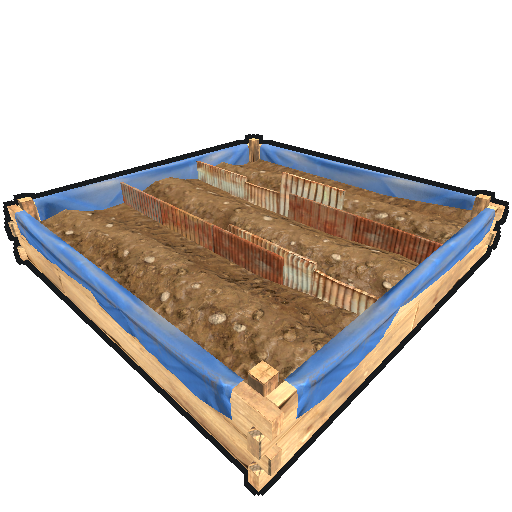
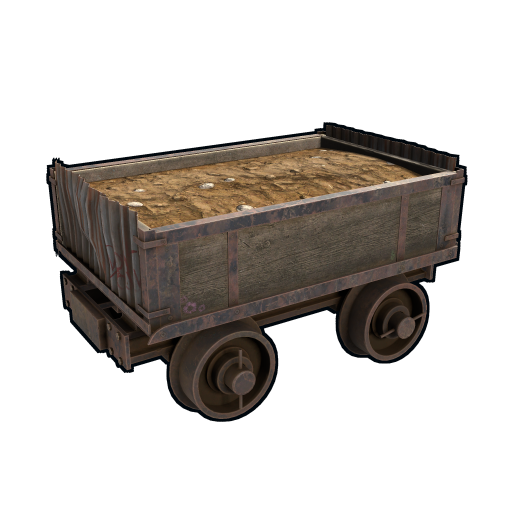
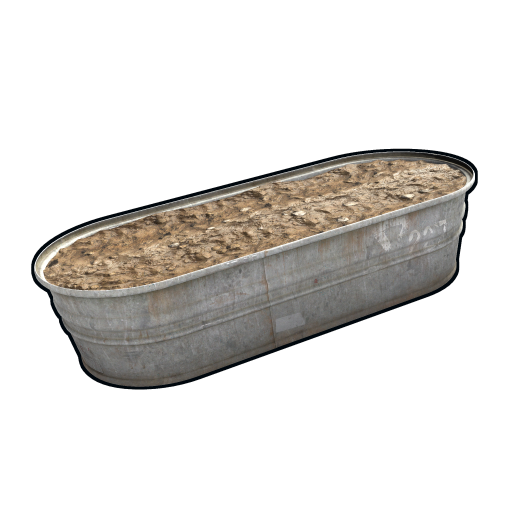
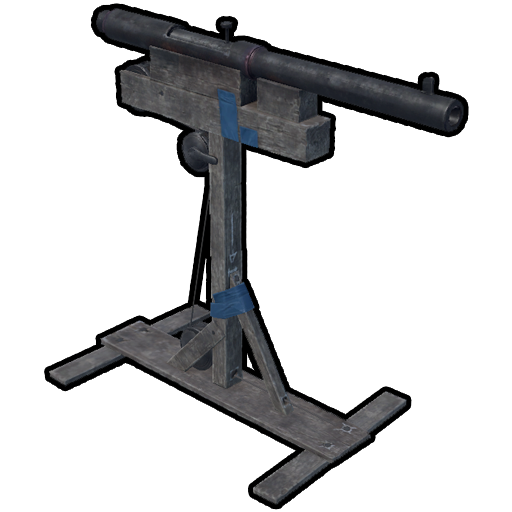
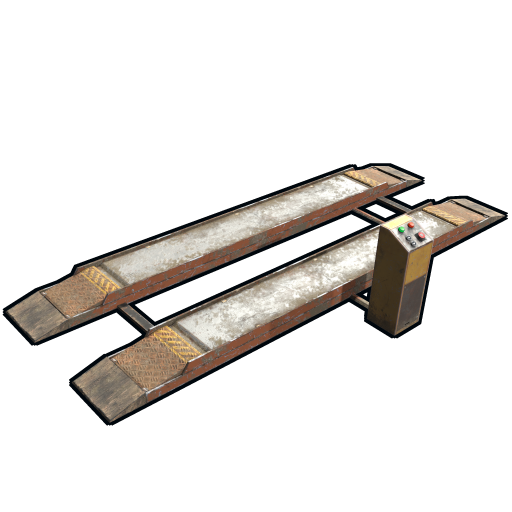
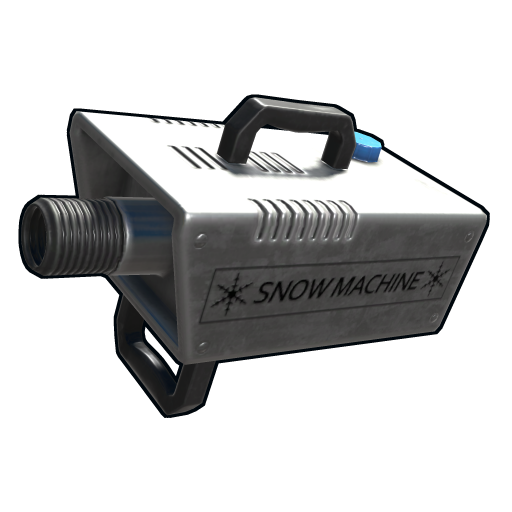
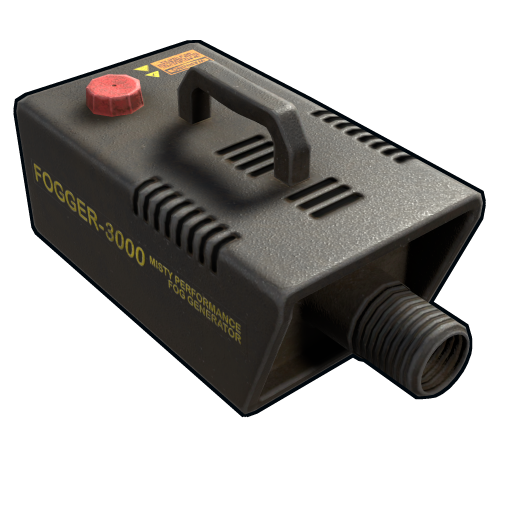
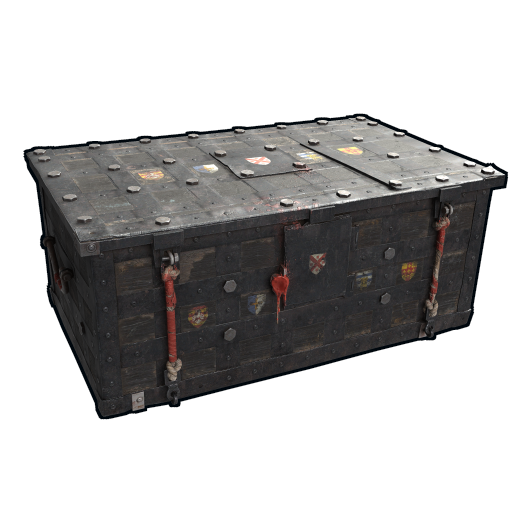
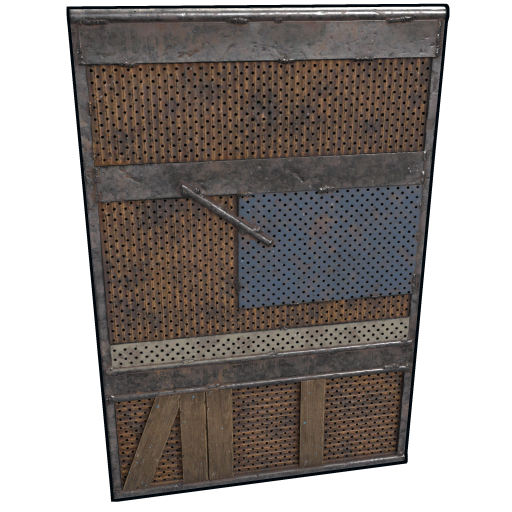
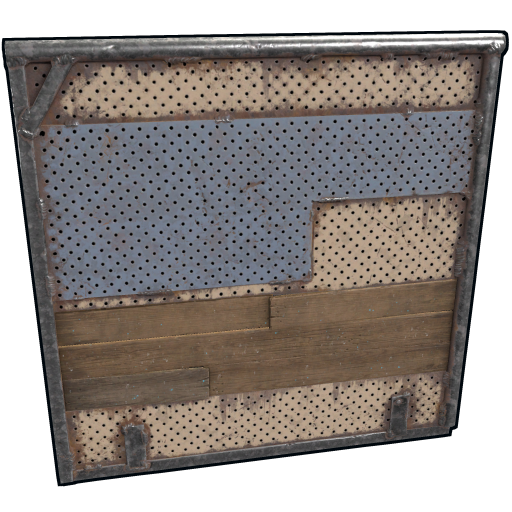
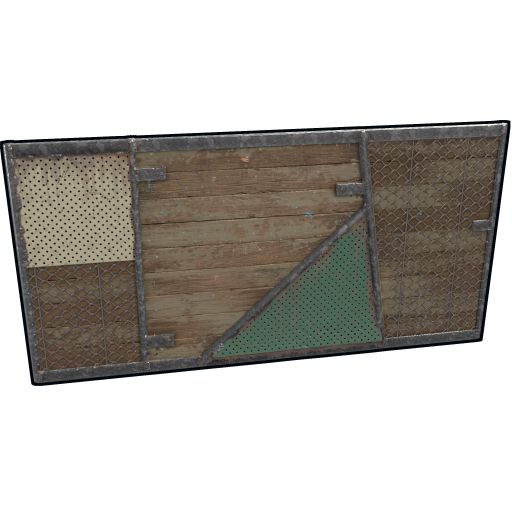
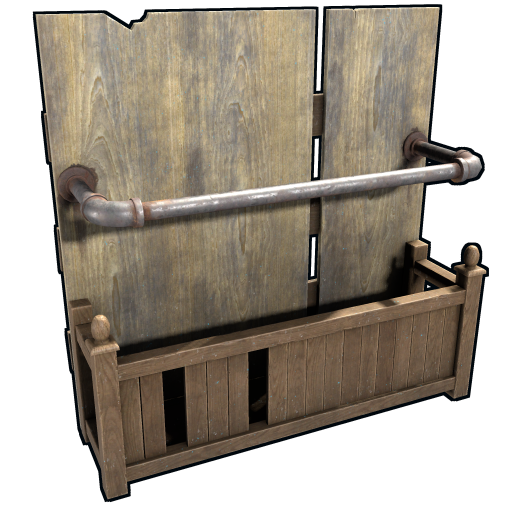
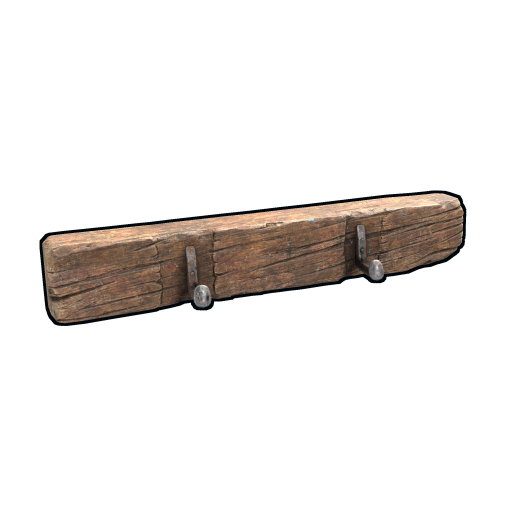
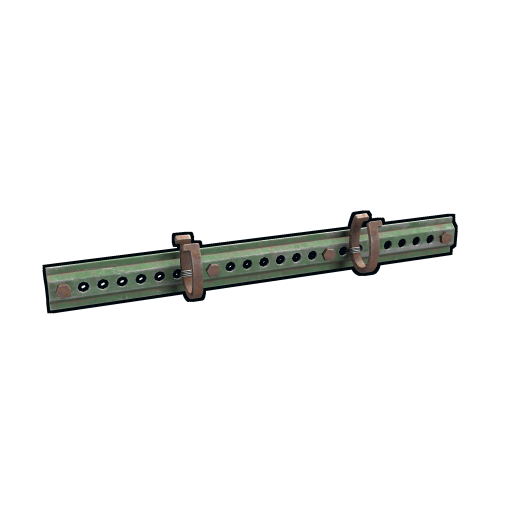
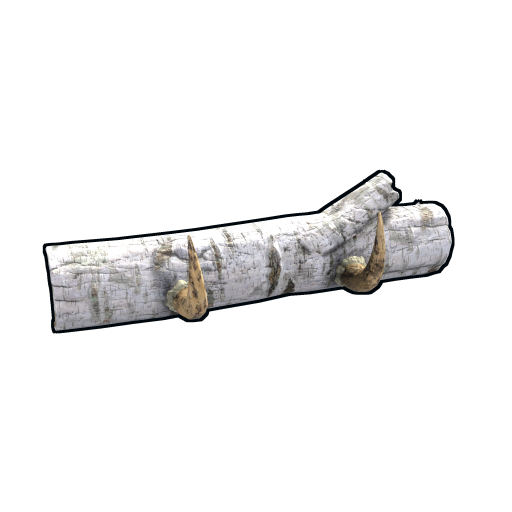
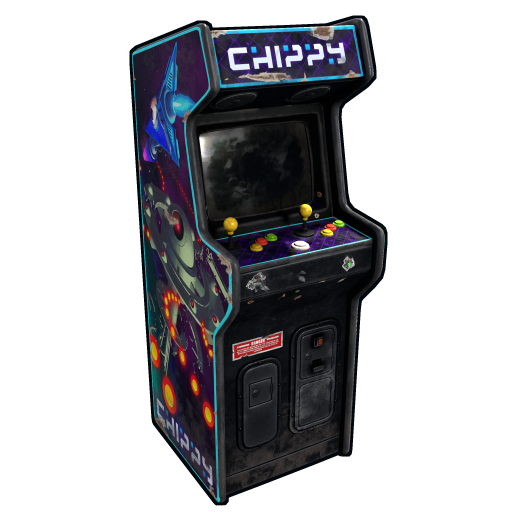
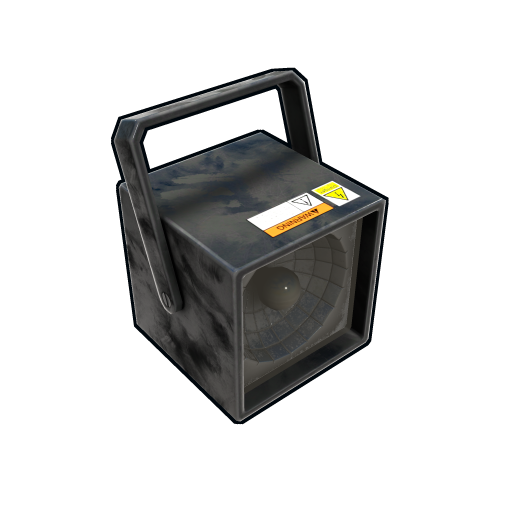
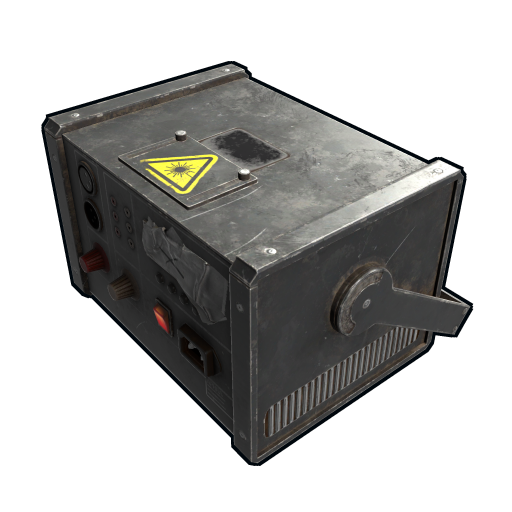
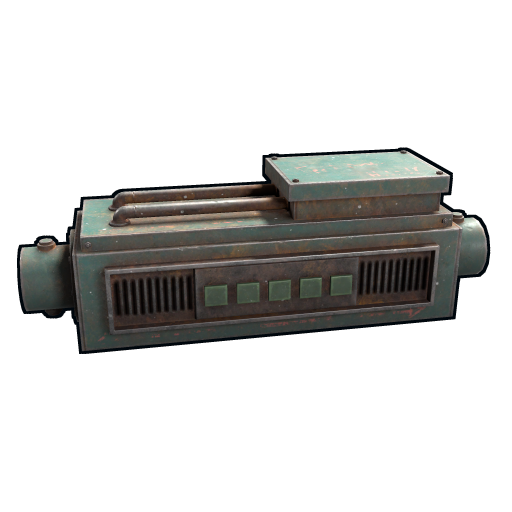
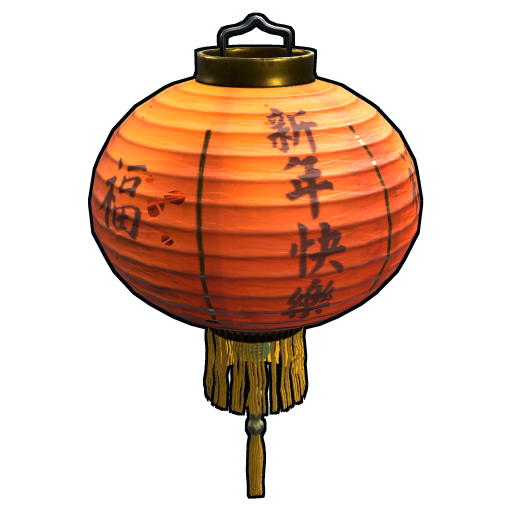
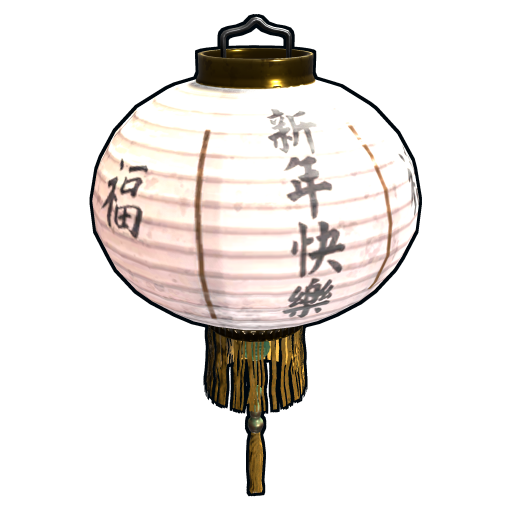
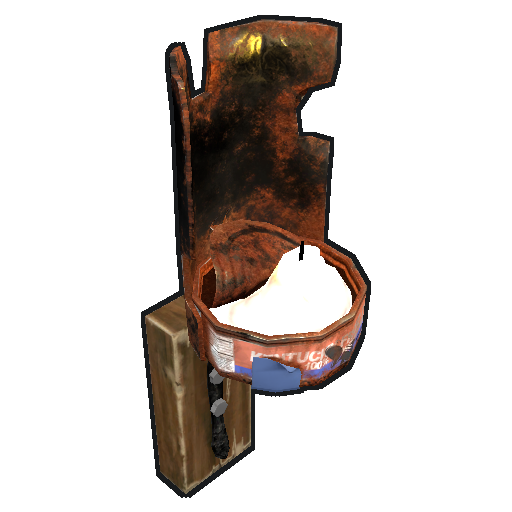
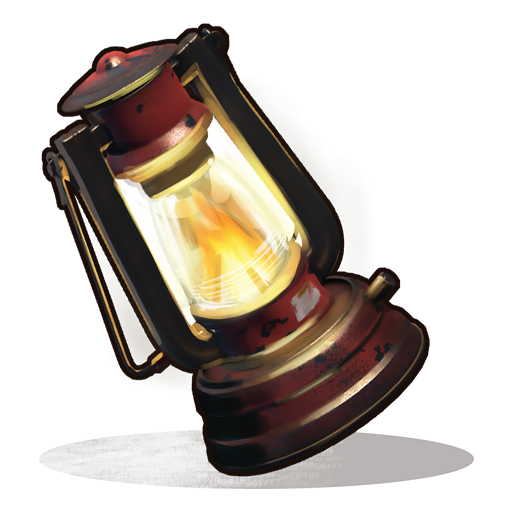
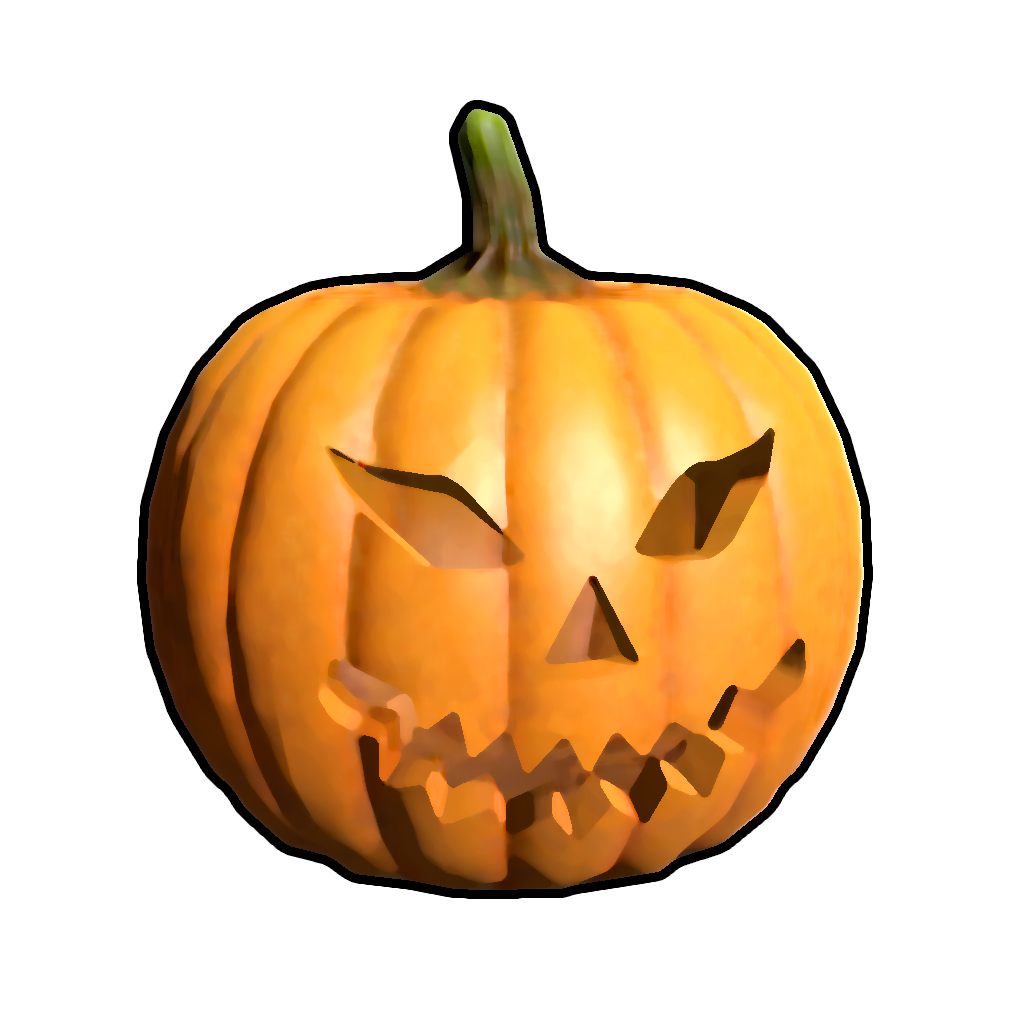
Wood Storage Box, Large Wood Box, Ammo Storage Box, Armor Storage Box, Charcoal Storage Box, Clothing Storage Box, Comps Storage Box, Explosives Storage Box, Food Storage Box, Guns Storage Box, Meds Storage Box, Metal Storage Box, Ore Storage Box, Scrap Storage Box, Stone Storage Box, Sulfur Storage Box, Tools Storage Box, Wood Storage Box, Large Furnace, Furnace, Legacy Furnace, Refinery, Electric Furnace, Stone Fireplace, BBQ, Hobo Barrel, Medieval Large Wood Box, Storage Barrel B, Storage Barrel C, Black Box, Abyss Horizontal Storage Tank, Abyss Vertical Storage Tank, Bamboo Barrel, Wicker Barrel, Krieg Storage Crates, Krieg Storage Barrel, Large Industrial Furnace, Industrial Electric Furnace, Industrial Auto Turret, Industrial Storage Horizontal Barrel, Industrial Storage Vertical Barrel, Industrial Garage Door, RHIB Storage, Boat Building Station, Steering Wheel, Sail, Small Boat Engine, Anchor, Cannon, Small Ramp, Wall Cabinet, Clothing Mannequin, Metal Shop Front, Dropbox, Mail Box, Vending Machine, Computer Station, Twitch Rivals Desk, Mixing Table, Composter, Small Planter Box, Large Planter Box, Minecart Planter, Bath Tub Planter, Rail Road Planter, Hitch & Trough, Small Water Catcher, Large Water Catcher, Water Barrel, Powered Water Purifier, Fluid Switch & Pump, Repair Bench, Research Table, Workbench Level 1, Workbench Level 2, Workbench Level 3, Button, Switch, Smart Switch, Timer, Small Generator, SAM Site, Auto Turret, Flame Turret, Shotgun Trap, Modular Car Lift, Snow Machine, Fogger-3000, Elevator, Mining Quarry, Pump Jack, Tall Weapon Rack, Horizontal Weapon Rack, Wide Weapon Rack, Weapon Rack Stand, Frontier Bolts Single Item Rack, Frontier Horseshoe Single Item Rack, Frontier Horns Single Item Rack, Small Stash, Chippy Arcade Game, Strobe Light, Laser Light, Sound Light, Small Neon Sign, Medium Neon Sign, Large Neon Sign, Medium Animated Neon Sign, Large Animated Neon Sign, Artist Canvas Small, Artist Canvas Large, Artist Canvas Standing, Artist Canvas XL, Artist Canvas XXL, Light-Up Frame Large, Light-Up Frame XL, Light-Up Frame XXL, Light-Up Frame Small, Light-Up Frame Standing, Ornate Frame Small, Ornate Frame Standing, Ornate Frame large, Ornate Frame XL, Ornate Frame XXL, Shutter Frame Small, Shutter Frame large, Shutter Frame XL, Shutter Frame XXL, Paintable Window, Portable Easel, Search Light, CCTV Camera, PTZ CCTV Camera, RF Broadcaster, RF Receiver, Industrial Conveyor, Industrial Crafter, Wheelbarrow Piano, Junkyard Drum Kit, Boom Box, Chinese Lantern, Chinese Lantern White, Tuna Can Lamp, Lantern, Camp Fire, Cursed Cauldron, Skull Fire Pit, Jack O Lantern Angry, Jack O Lantern Happy, Wood Shutters, Triangle Planter Box, Triangle Rail Road Planter, Single Plant Pot, Beehive, Chicken Coop, Cooking Workbench, Engineering Workbench, Hopper.
NEW ENTITIES
New entities will be added with future releases. If you want to request the addition of a specific entity, feel free to open a support request and it will be added to the plugin.
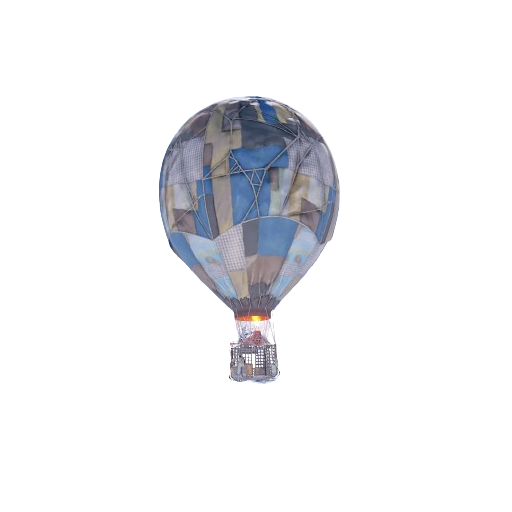
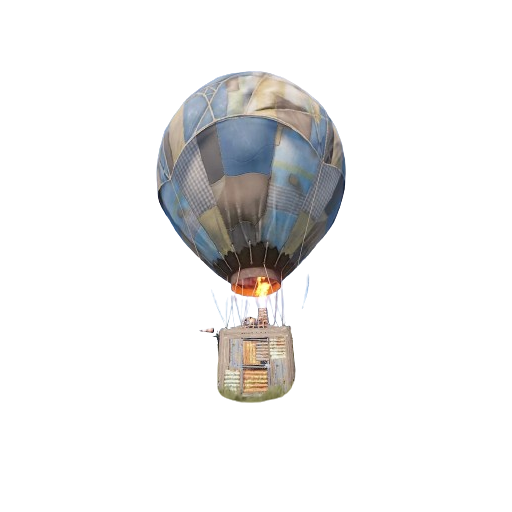
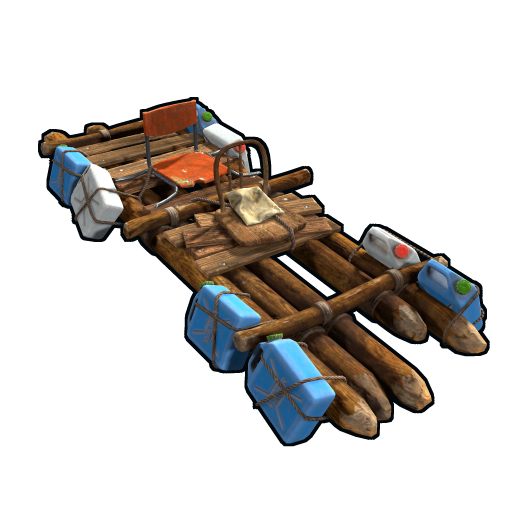
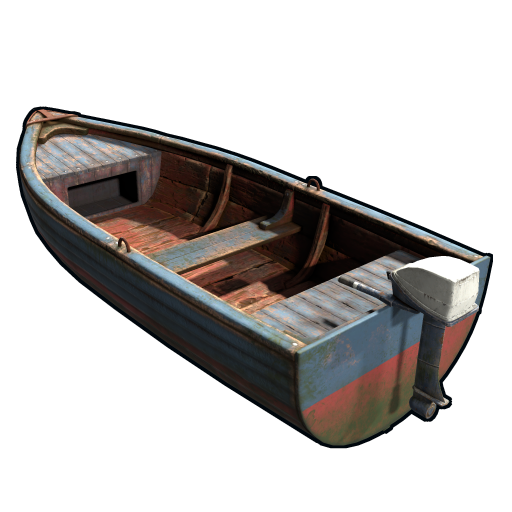
ENTITY IMAGE PREVIEW
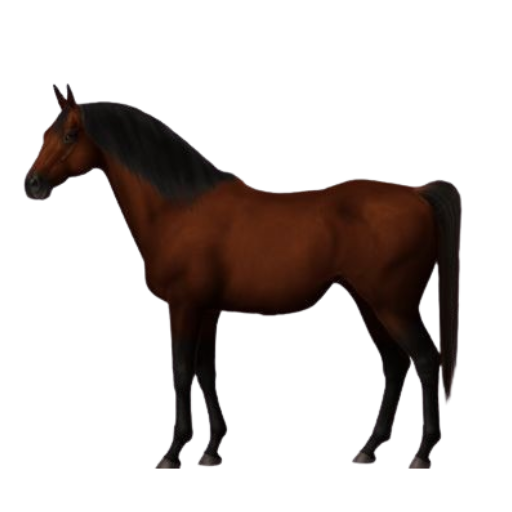
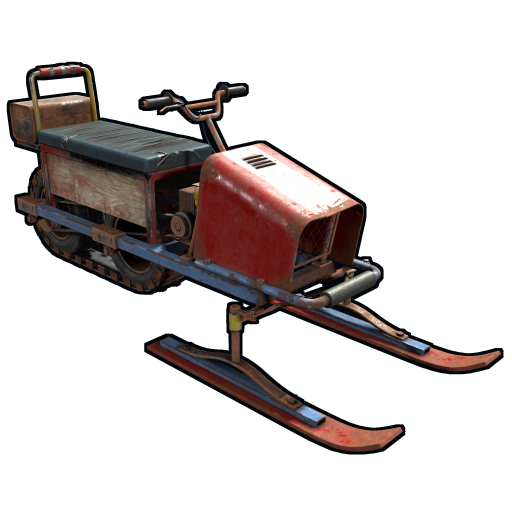
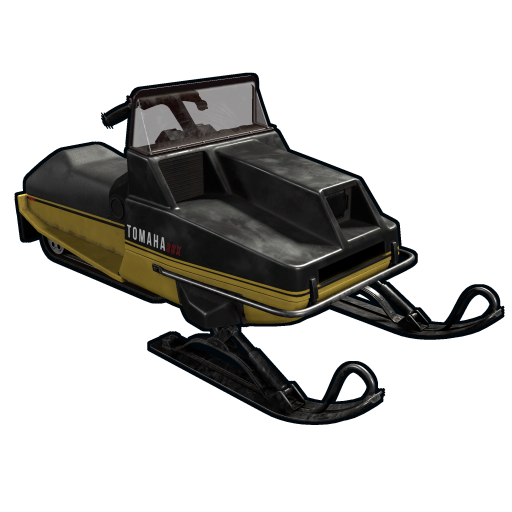
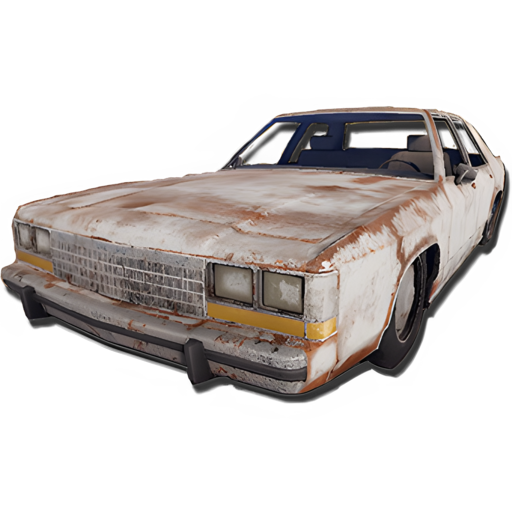
VEHICLES:
 |
 |
 |
 |
 |
 |
 |
 |
 |
 |
 |
 |
 |
 |
 |
 |
 |
 |
 |
 |
 |
 |
 |
 |
 |
 |
 |
DEPLOYABLES:
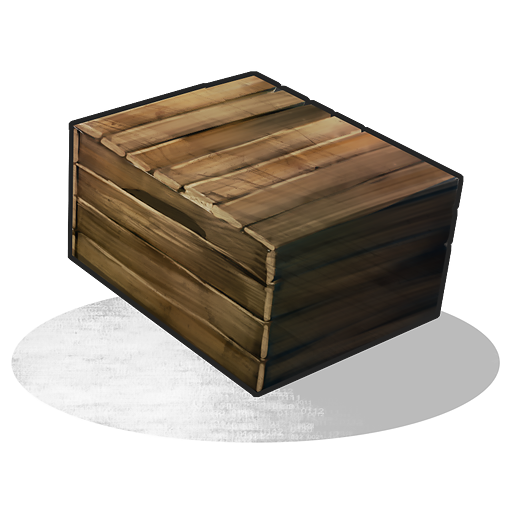 |
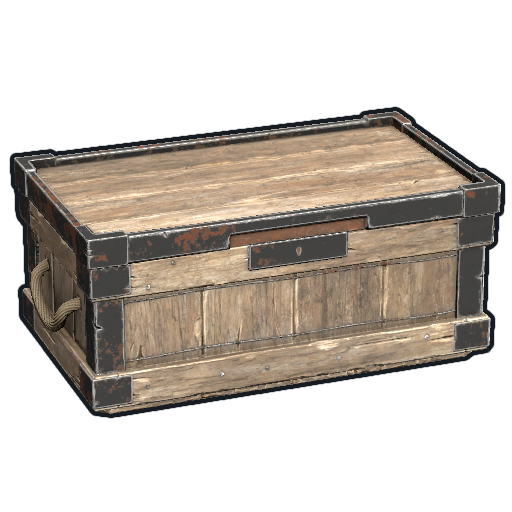 |
||
 |
 |
 |
 |
 |
 |
 |
 |
 |
 |
 |
 |
 |
 |
 |
 |
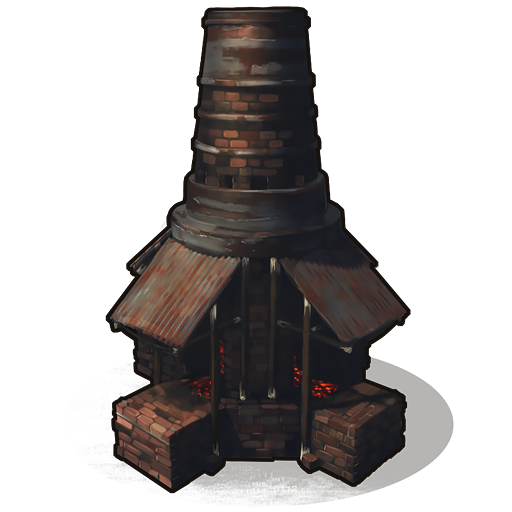 |
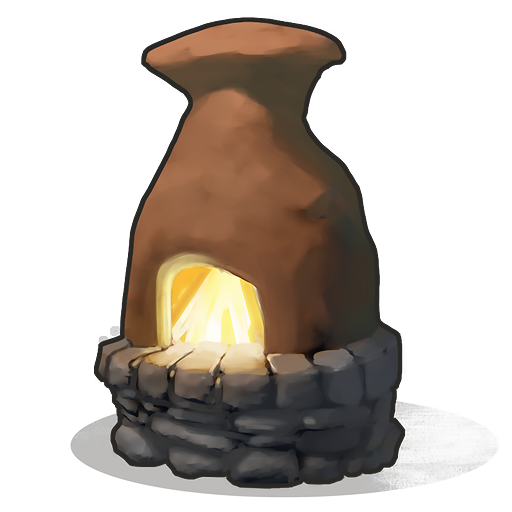 |
 |
 |
 |
 |
 |
 |
 |
 |
 |
 |
 |
 |
 |
 |
 |
 |
 |
|
 |
 |
||
 |
 |
 |
 |
 |
 |
||
 |
 |
 |
 |
 |
 |
 |
|
 |
 |
 |
 |
 |
 |
 |
 |
 |
 |
 |
 |
 |
 |
 |
 |
 |
 |
 |
 |
 |
 |
 |
 |
 |
 |
 |
 |
 |
 |
 |
 |
 |
 |
 |
 |
 |
 |
 |
 |
 |
 |
 |
 |
 |
|
 |
 |
 |
 |
 |
 |
 |
 |
 |
|
 |
 |
 |
 |
 |
 |
 |
 |
 |
 |
 |
 |
 |
 |
 |
 |
 |
 |
 |
 |
 |
 |
 |
 |
 |
 |
 |
 |
 |
|||
 |
 |
 |
 |
 |
 |
 |
 |
 |
 |
 |
 |
 |
 |
 |
 |
 |
 |
 |
 |
 |
LICENSE
Digital Content Copyright License
Intellectual Property:
This digital content is protected by copyright under international and local laws. All rights are reserved and any unauthorized use is prohibited. The content purchased may not be reproduced, distributed, transmitted, or used in any form or by any means without the written permission of the copyright holder, except as required by law.
Terms of Use:
1. Personal Use: Your purchase of this digital content grants you a non-exclusive, non-transferable, revocable license for personal use. The content may not be shared or distributed to third parties.
2. Limitations: You may not modify, alter, adapt, create derivative works from, sell, or license this content without the written permission of the copyright holder.
3. Backup: You may make one backup copy of the content for your personal use, provided that it is not distributed.
Warranties and Responsibilities:
The copyright holder makes no warranties regarding the accuracy, completeness or suitability of the content for a particular purpose. In no event shall the copyright holder be liable for any damages arising from the use or inability to use the purchased digital content.
Permission Requests:
For requests for permission to use or other information, please contact:
Andrea Angelozzi – Scalbox
[email protected]
Additional information
| Framework | Carbon, Carbon: Not tested, Harmony, Oxide/Umod, Oxide/Umod: Not tested |
|---|
Only logged in customers who have purchased this product may leave a review.
Lock lost when SkinBox or Skinner change the skin of entities that Rust natively destroys and recreates (e.g. Furnace -> Legacy Furnace)
Correctly repositioning the lock after changing a skin
Code refactoring and adding new method documentation
Support for new Clans hook signatures OnClanMemberGone(tag, leaving, members)
FormatException in OnClanMemberGone timer when Clans passes the clan tag as first parameter
LockSign patch to specify parameters and avoid AmbiguousMatchException after Rust update (02/07/2026)
Auto Closing support for: Industrial Garage Door
Lock Support for: Industrial Decor Pack DLC (https://rust.facepunch.com/news/built-different#IndustrialDecorPack)
Rust update (04/06/2026)
Auto closing bug fix
Automatic lock commands: ["al", "autolock", "codelock"]
Auto Closing Commands: ["ac", "autoclose", "autocloser"]
Toggle Auto Lock Command: ["ual"]
Toggle Auto Closer Command: ["uad"]
Compatibility with the AutoClose plugin
Proximity System
https://www.youtube.com/watch?v=_kmxt6IYTPY
https://www.youtube.com/watch?v=PgpiMc5qbTw
Auto closing system
Proximity System
Quick UI
Auto closing bug fix
Removed the use of the Door Closer item.
Automatically closing doors will no longer require the Door Closer item.
Improve the graphical experience and UI usage
Code refactoring
Performance
Support for Top tier Ladder hatch
Lock Support for: Storage Box Pack DLC (https://rust.facepunch.com/news/shipshape#StorageBoxPackDLC)
Rust update (05/03/2026)
Naval Deep Sea, the code lock was placed 2 times
Support for Naval Deep Sea entities
Support for Drawing / Signs entities
Support for locks with scaled size
Some vehicle commands not working
Minor bug fixes and improvements
Configuration to enable/disable categories for auto lock
Krieg Storage code lock rotation
Code refactoring
Performance
Skin blacklist configuration for Locks and Door Closers
Disable Lock refund if player has permission [ultimatelocker.autolock.nolockrequired]
Disable Door Closer refund if player has permission [ultimatelocker.autoclosing.nodoorcloserrequired]
Key lock sound effect
Code refactoring
Codelock support for [Krieg Storage Crates, Krieg Storage Barrel]
The GUI now scales correctly to screen resolution.
Configuration property [Allow Pushing vehicles blocked by the Code Lock if present in your Building Privilege. (Default: TRUE)]
Fixed issue: When enabling automatic skin change [Flight Control Codelock], it was possible to place multiple code locks on the same entity.
Option to automatically use the Flight Control Codelock skin.
Codelock shared with clan/team members
Codelock support for [Wall Cabinet, Clothing Mannequin]
Forced Rust update (04/09/2025)
Support for new CodeLock: Flight Control Codelock
CodeLock disappears/changes position after changing the skin with the spray can
Support for new CodeLock: Flight Control Codelock
Codelock support for Black Box
Codelock authentication
Configuration property [Player Can Remove Door Closer?]
Configuration property [Pickup Door Closer Refund]
Compatibility with the Remover Tool plugin, for Door Closer pickup
Configuration properties to change vehicle ownership on lock deploy
NRE Bug fix
NRE Bug fix
Bug fix
Performance improved
Code refactoring
Delay while positioning the lock/Codelock (Second improvement)
Delay while positioning the lock/Codelock
Fixed: RemoverTool bug fix
Codelock support for Abyss Horizontal Storage Tank, Abyss Vertical Storage Tank
Fixed issue where CodeLocks were shared even in "Use key lock only" mode
New permission to bypass some controls during the deployment of the lock in vehicles
Show Box and Storage Container lock status in the UI
Codelock support for [Bamboo Barrel, Wicker Barrel]
Rust update (01/05/2025)
Configuration to disable door closer removal
Bug fix
New translation [zh-TW] Traditional Chinese
Russian translation
Added property to enable only use of key locks
New translations [es, es-ES, fr, de, nl, tr, ru, uk, zh-CN]
New lockable entities [Triangle Planter Box, Triangle Rail Road Planter, Single Plant Pot, Beehive, Chicken Coop, Cooking Workbench, Engineering Workbench, Hopper]
Player Auto Closing default settings
New configuration option to resync all player settings to the default settings configured
New configuration option to Force share locks with clan/team members.
Integration with plugins [Backpack] and [Bank]
Codelock support for Medieval Large Wood Box
Door Closer for Medieval door
Code Lock support for Medieval entities: Mounted Ballista, Battering Ram, Catapult, Siege Tower, Ballista
Medieval entities block usage: opening/closing doors, reloading/firing ammo, mounting, driving, pushing, pulling, etc...
Horse prefab name
Horse lock after Rust update (06/02/2025)
Lock and auto closer support for windows: Wood Shutters
Door closer positioning
Automatic lock closing when dismount of the vehicle
Vanish (CanUseLockedEntity) hook conflict
disable lock/unlock effect if player is invisible or flying
Message when placing a door closer via the command
Loss of setted custom time for single door closer after server restart
Issue where door closers were always placed if added via command, even if a door closer was already present
Shared lock for offline or death players
Configuration file for default player settings
Added command to change the closing time of the individual Door Closer you are looking at
Code refactoring
Lock position for players who have the [ultimatelocker.autolock.nolockrequired] role
Configuration file for default player settings
Added command to change the closing time of the individual Door Closer you are looking at
Code refactoring
Lock position for players who have the [ultimatelocker.autolock.nolockrequired] role
New command /loker and /closer to add lock and door closer manually
Key Lock Clan/Team sharing
Support for Car Chassis
Invalid code with leading 0s
Modular car guest code lock
Vehicle auto lock
AutoDoors plugin integration: Prevents automatic door closing if a Door Closer is present
Code Lock unlock fix
Auto closing system, Door Closer
Default player setting data
Added translation files
Added custom vehicle compatibility
Code cleanup
Fixed: code lock/key lock position
Fixed: Integration with plugin: Automatic Authorization
Bug fix
Bug fix
Enabled sharing of Key Locks with team/clan members
New admin commands: /ul lockall - /ul unlockall - /ul removeall
Code Improvement
Fixed Code Lock position in custom entities
Added system for automatic lock placement: Auto lock
UI for the player to modify all his preferences for Auto lock
Possibility to enable or disable, by the player, the sharing of locks with clan/team members
Added new lockable entities: Chinese Lantern, Chinese Lantern White, Tuna Can Lamp, Lantern, Camp Fire, Cursed Cauldron, Skull Fire Pit, Jack O Lantern Angry, Jack O Lantern Happy
Update for the next Rust update (03/10/2024) for Forced Wipe. Don't update before!!!
Fix for new Rust update
Fix for Raidable Bases with custom entities
Update for the next Rust update for Forced Wipe. Don't update before!!!
Update for the next Rust update for Forced Wipe. Don't update before!!!
Fix Auto Lock plugins intergrations
Fix for lock and auto lock
Fix for Carbon framework
Fix lock for Pump jack
Added new lockable item: RHIB Storage
Automatic closing when placing a Key Lock
Integration with auto code plugins, ex: AutoCode, AutoCodeLock, etc...
Fix for Vending Machine and DropBox
Fixed Shop Front trade
Added support for: KeyLock
New configuration to set the player as owner when a Mining Quarry or Pump Jack is placed (also statistics)
Improved performance
Various fixes
Code refactoring
Fixed Pickup Entity
Fixed lock static mining quarry
Added new lockable entity: Pump Jack, Pump Jack Static
Fixed quarry toggled
Added lock for: Mining Quarry Static owned by the player
Added new Lockable entities: Frontier Bolts Single Item Rack, Frontier Horseshoe Single Item Rack, Frontier Horns Single Item Rack
Added new Lockable entities: Motorbike, Motorbike With Sidecar, Pedal Bike, Pedal Trike
Fixed issue that would sometimes consume Code Lock on prohibited entities
Fixed issue that allowed the use of Key Locks
Added new commands for administrators
Fixed loading of the Code Lock logo
Code refactor
Modular car lock improvement
Clan management improvement
Improved performance
Bug Fixed
Fixed Code Lock issue with Modular Car Lift
Better Unload Handler
Updated block for the Workbench with the new rust update of 06/06/2024
Fixed sales issue with Vending Machines and Dropbox
Improved Code Lock management
Bug fix
Enabled user roles to place Code Locks on enabled entities.
New configuration parameters: Requires Building Privilege to place Code Locks, Requires Building Privilege to place Code Locks in unowned vehicles, Allow deployment of Code Lock in vehicles owned by other players, Allow deployment of Code Lock in unowned vehicles, Allow pushing vehicles blocked by the Code Lock
Added new configuration parameters
Improved vehicle management
Added new entities that can be locked with Code Lock.
Added new entities that can be locked with Code Lock.
Code refactoring
Bug fix
Bug fix
Initial release
Initial release
Discussions
There are no discussions yet.





Reviews
There are no reviews yet.